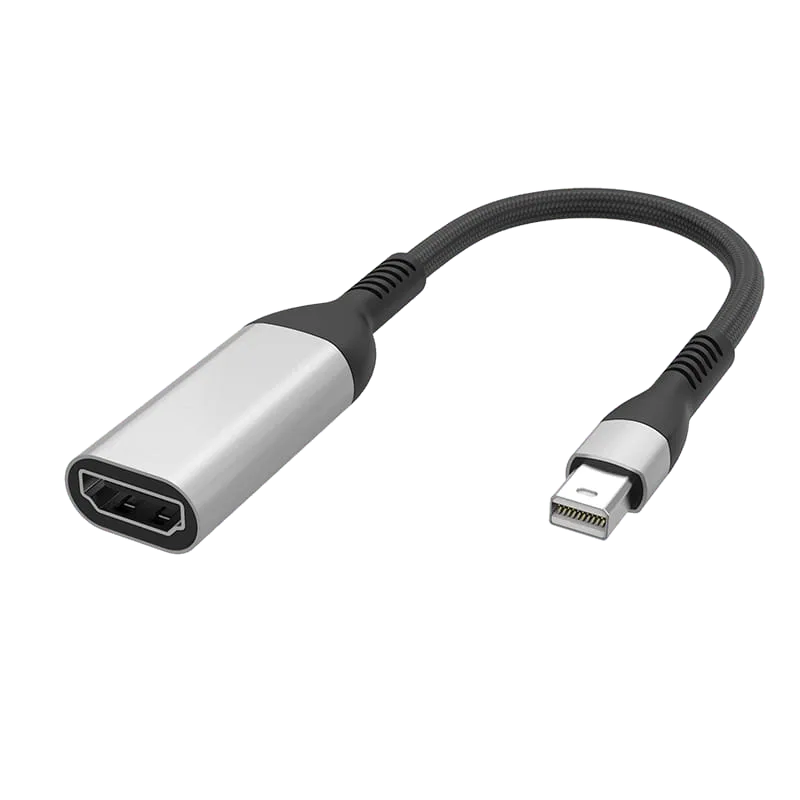
Single Port Converter
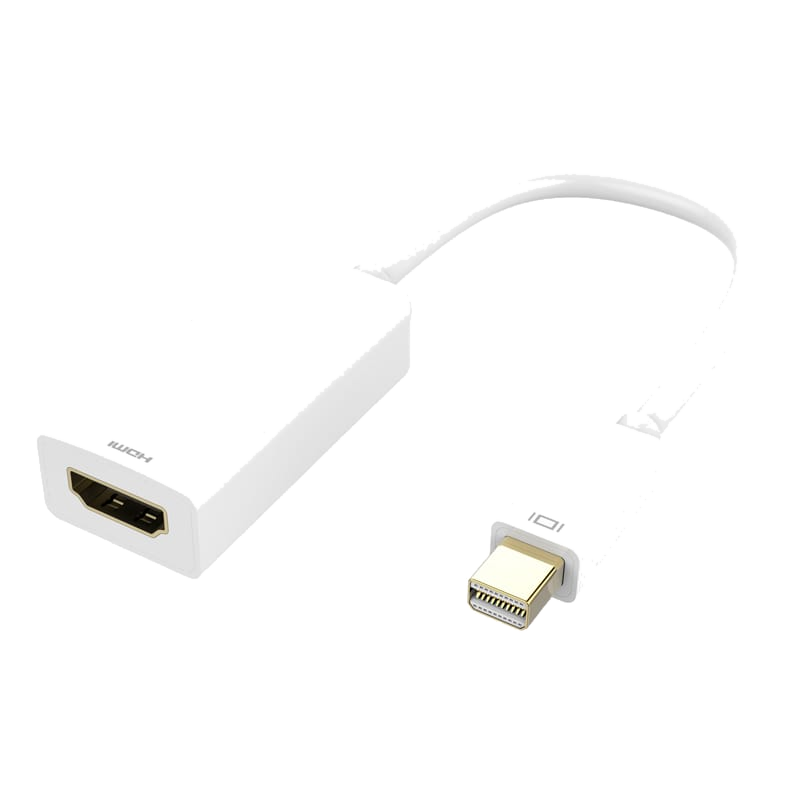
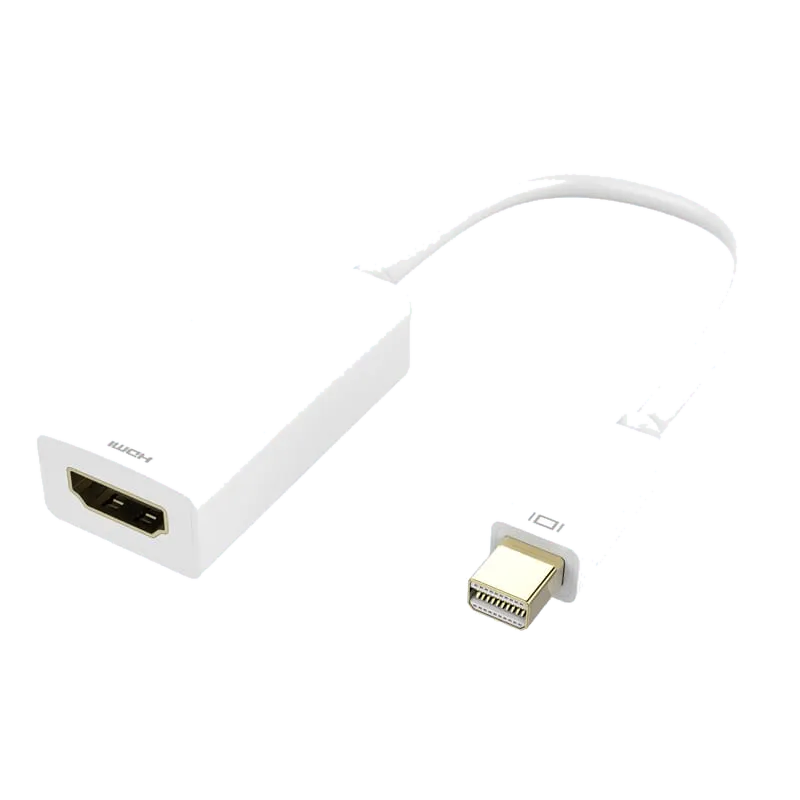
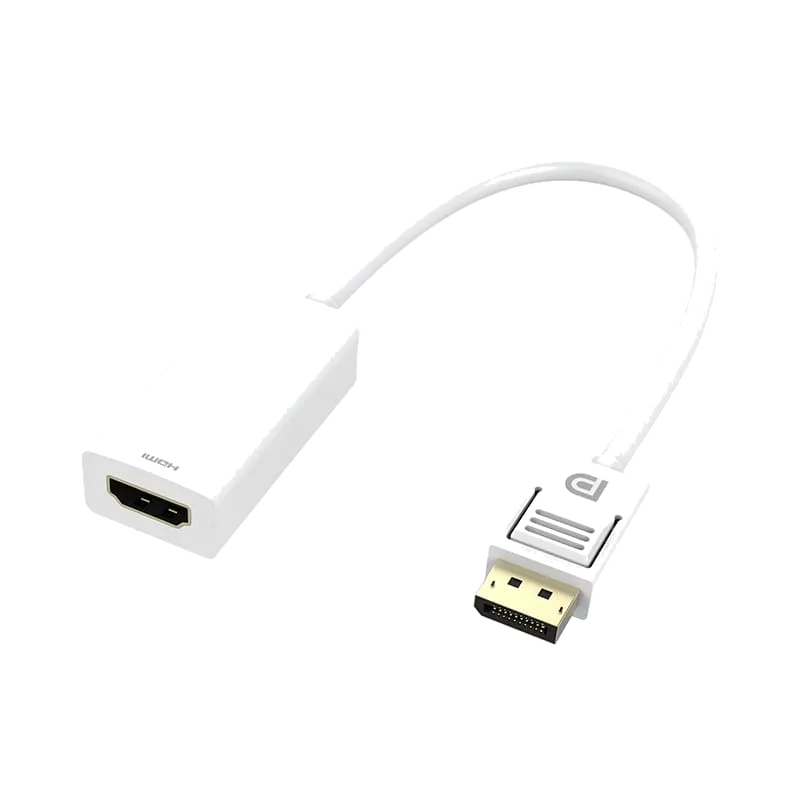
Mini DisplayPort to HDMI Adapter (4K/30Hz) - PF352
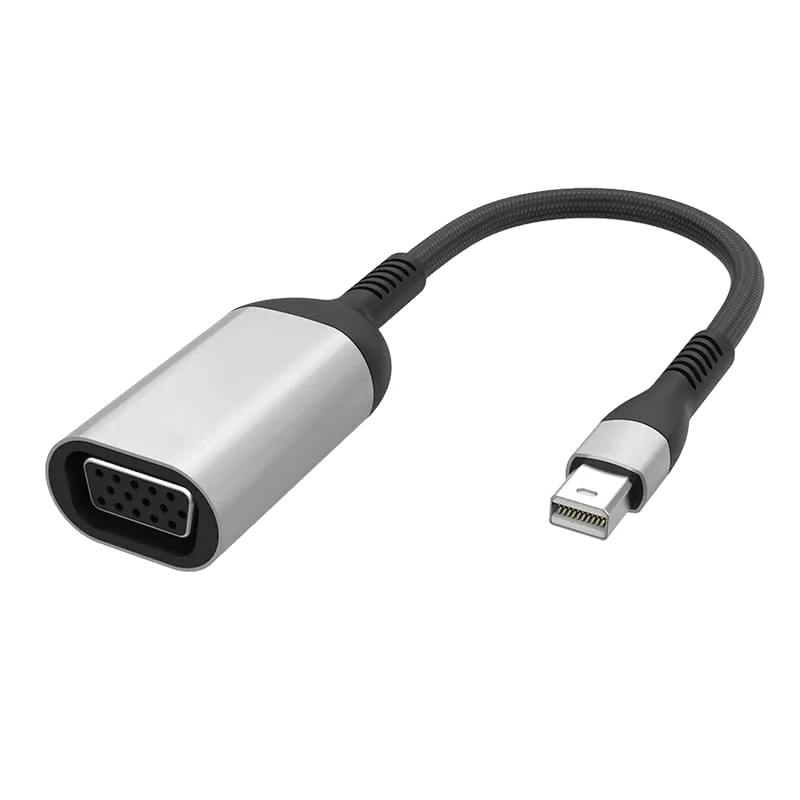
Mini DisplayPort to HDMI adapter at 4K@30Hz, aluminium alloy housing with nylon-braided cable and SR strain relief — the ruggedised 4K build for Mac, Surface and ThinkPad.
Overview
The PF352 converts Mini DisplayPort to HDMI at up to 4K@30Hz, plug and play with no drivers.
Two things separate it from the more basic adapters in this category. The first is resolution: at 4K@30Hz it drives a 4K panel at native resolution rather than scaling a 1080P signal up to fit it, which is the difference between a sharp desktop and a soft one on a modern display. The second is construction — an aluminium alloy housing, a nylon-braided jacket and SR strain-relief reinforcement at the connector transitions.
That construction is chosen for how this adapter is actually used. Mini DP is a laptop connector — MacBooks, iMacs, Surface devices, ThinkPad and Dell business machines — so the adapter travels between meeting rooms and sites, gets packed into bags and pulled out of ports at an angle. Braid resists abrasion; the strain relief distributes flex at the point where a travelling adapter normally breaks.
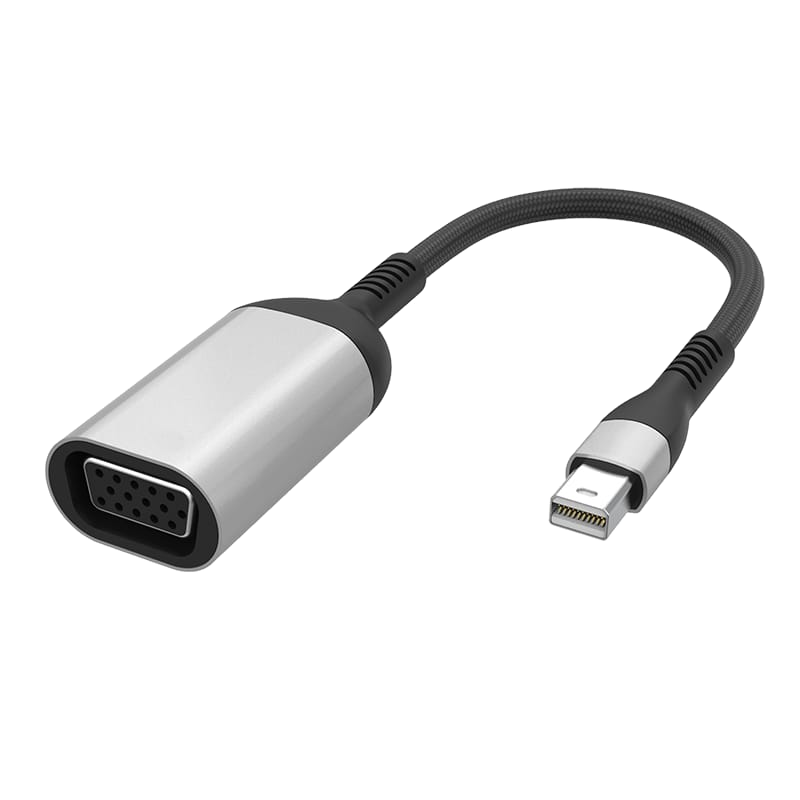
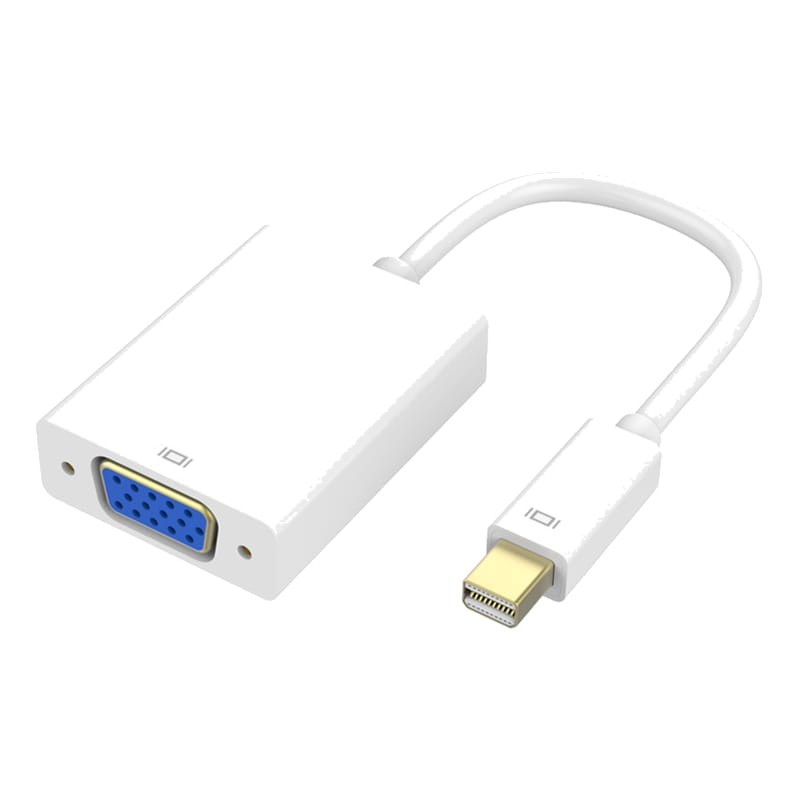
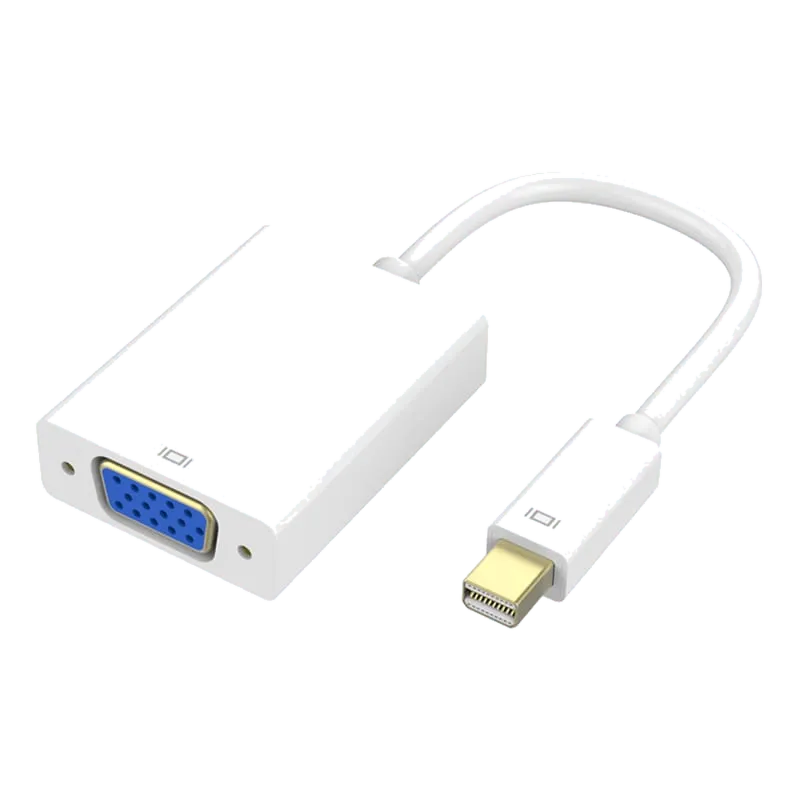
Where the room's display is an older VGA projector rather than an HDMI panel, the PF351 in this range performs the same job to VGA in the same ruggedised construction.
Nickel-plated contacts, OFC high-purity oxygen-free copper conductors, black cable. The box contains one adapter. Braid colour, branding and packaging are customisable for OEM/ODM orders.
Specifications
| Spec | Value |
|---|---|
| Model Code | PF352 |
| Conversion | Mini DisplayPort to HDMI |
| Output | 1 x HDMI |
| Max Resolution | 4K@30Hz |
| Housing Material | Aluminum alloy |
| Connector Plating | Nickel plated |
| Cable Jacket | Nylon braided |
| Strain Relief | SR reinforcement |
| Conductor | OFC high-purity oxygen-free copper |
| Cable Color | Black |
| Installation | Plug and play |
| In the Box | Adapter x1 |
Frequently Asked Questions
- What resolution does the PF352 support?
- The PF352 supports up to 4K@30Hz, delivering native 4K resolution to modern displays without scaling. This ensures sharp desktop clarity on 4K panels compared to basic adapters that only support 1080P.
- Is the PF352 compatible with MacBooks and business laptops?
- Yes, the PF352 works with any device with a Mini DisplayPort output, including MacBooks, iMacs, Surface devices, ThinkPad and Dell business machines. No drivers required—plug and play operation.
- Why is the construction ruggedized for this adapter?
- The nylon-braided jacket and SR strain-relief reinforcement are designed for mobile use. Since Mini DisplayPort adapters travel between meeting rooms, get packed into bags, and are pulled at angles, this construction resists abrasion and distributes flex at connector transitions to prevent breakage.
- Can we customize the PF352 for OEM/ODM orders?
- Yes, braid color, branding, and packaging are customizable for OEM/ODM orders. Contact us for customization details and lead times.
- What connectors and materials does the PF352 use?
- The PF352 features nickel-plated connectors and OFC high-purity oxygen-free copper conductors with an aluminum alloy housing and black nylon-braided cable jacket for durability.
Related Products
-
-
-
-
-
-
-
-
Sourcing guides
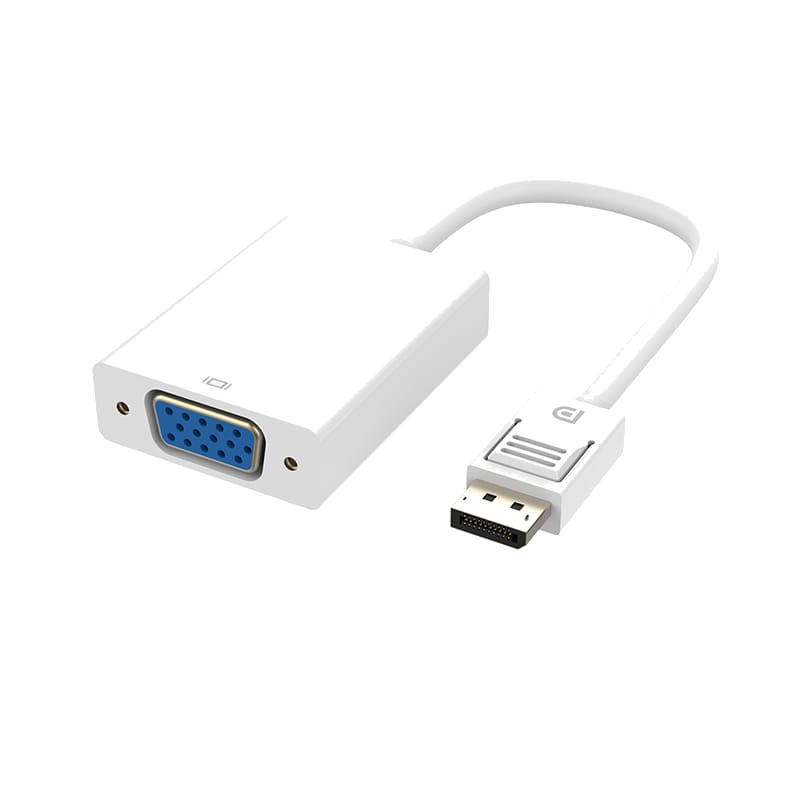
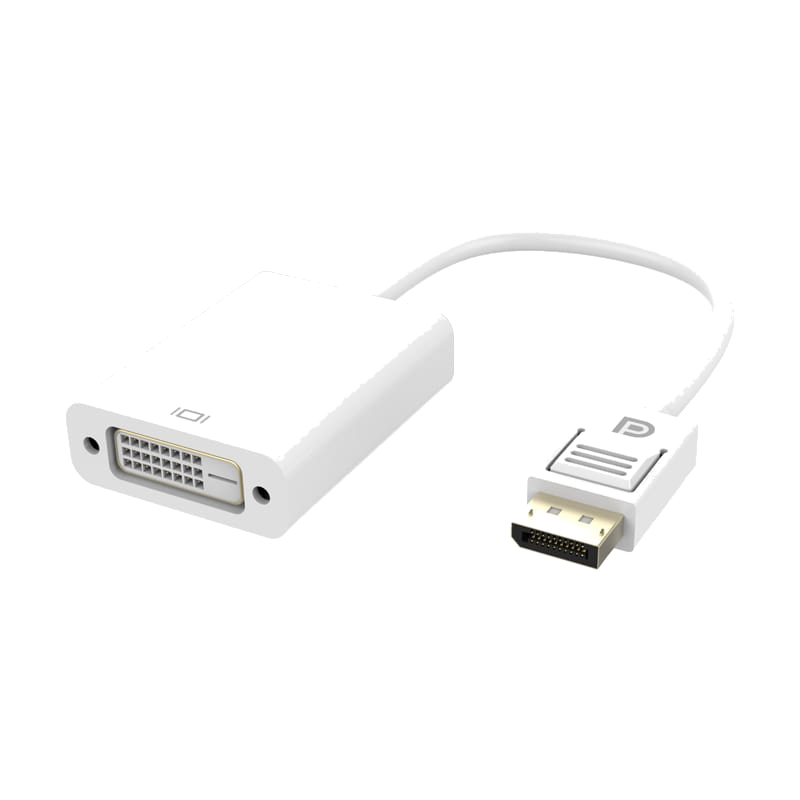
- How to Choose Single Port Adapters: A B2B Sourcing GuideSingle port adapters convert one video or display connector type to another, enabling legacy and modern devices to work together. This guide compares HDMI, DisplayPort and Mini DisplayPort adapter options from Tonetron to help you select the right model for your application, resolution needs and budget.
- HDMI vs USB-C vs DisplayPort: Which Is Better for Monitors?A monitor usually ships with two different video cables, and the port you pick changes what the screen can actually do. This compares HDMI, DisplayPort and USB-C on bandwidth, refresh rate, daisy-chaining and power delivery, and says which to specify for media, for gaming and for a single-cable desk setup.
Get a Quote
MOQ from 1,000 pcs · free samples in 3 days · everything negotiable.