USB Type C Cable — OEM / ODM Manufacturer
Tonetron manufactures 16 USB Type C Cable for OEM / ODM customers. Filter by length, connector and speed, or search by model and specification to find the right cable.
16 of 16 products
-
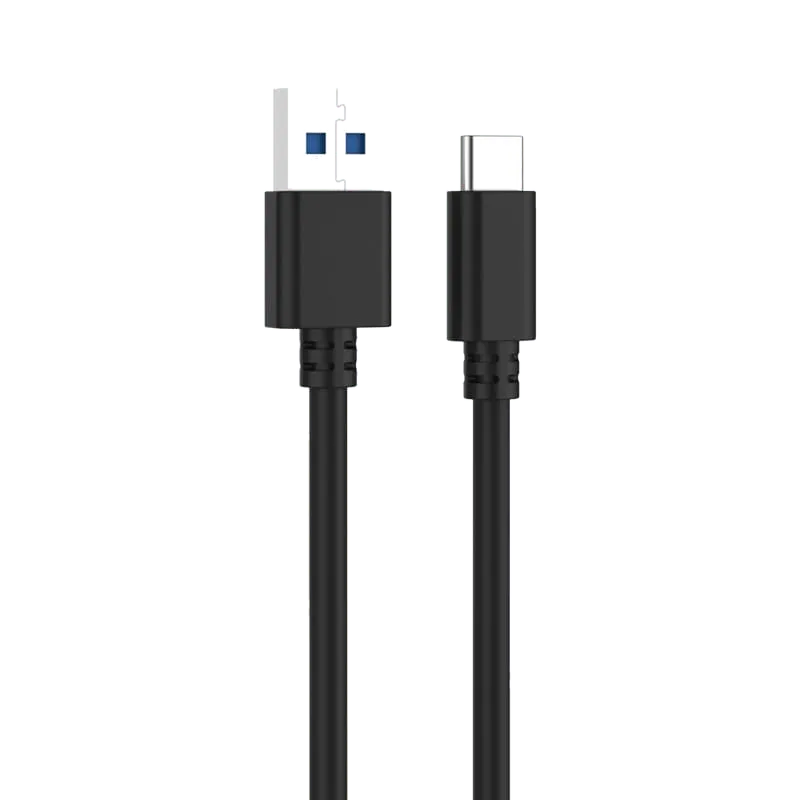 USB Type C - A 3.0 Cable - PB485 USB 3.0 Type-C to Type-A cable — connects USB-C phones, drives and accessories to the USB-A ports still fitted to most desktops, docks, chargers and car systems.
 -
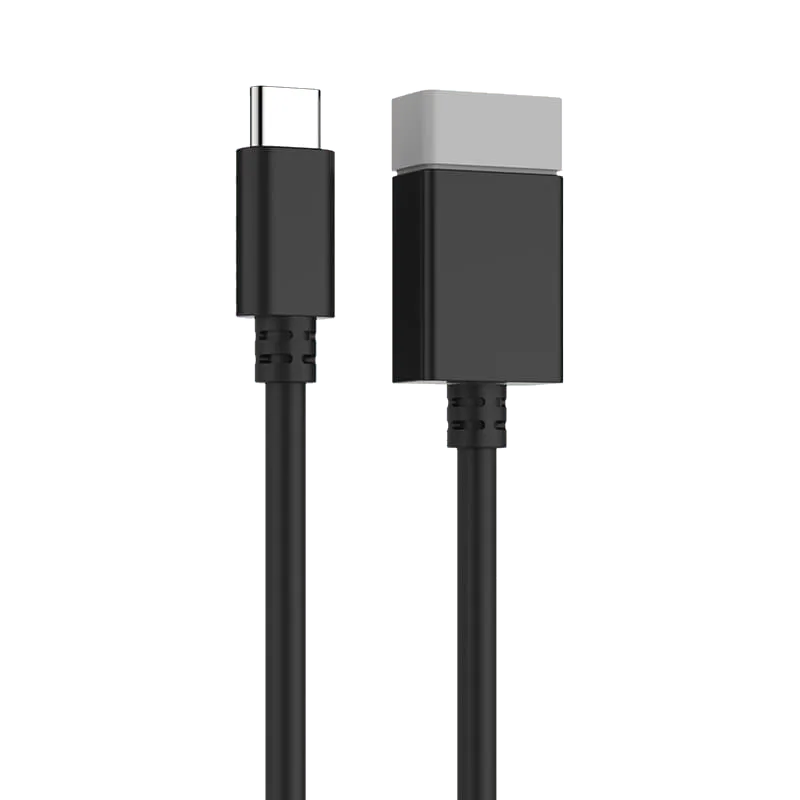 USB Type C to A 3.0 OTG Cable - PB489 USB-C to USB-A 3.0 OTG cable for connecting U-disks, mice, keyboards and other USB devices to USB-C laptops, phones and tablets at up to 5Gbps.
 -
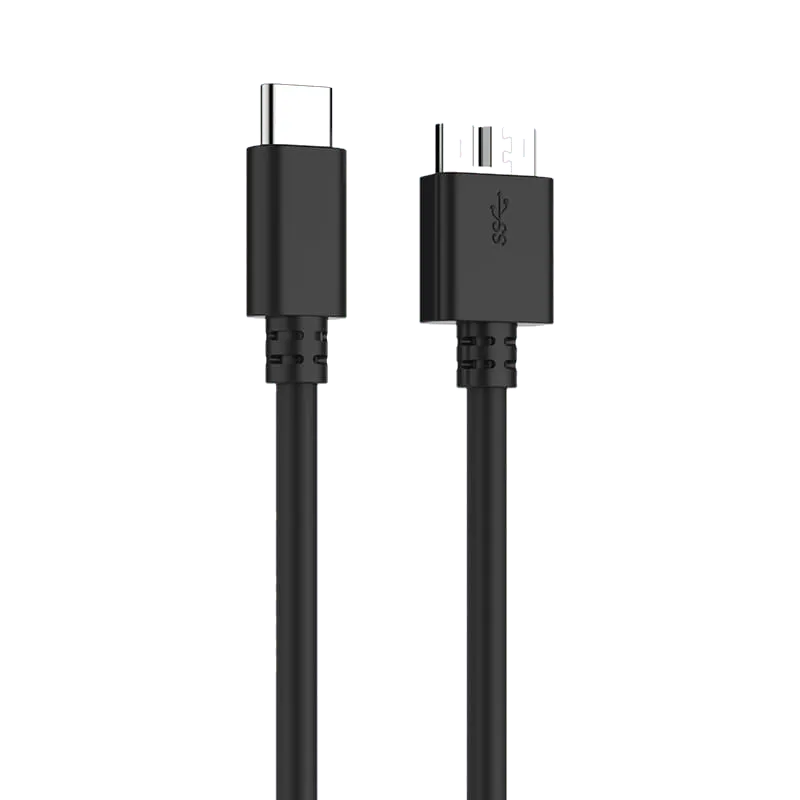 USB Type C - MicroUSB 3.0 cable - PB484 USB-C to Micro USB 3.0 cable — connects a modern USB-C laptop, tablet or phone to an existing Micro USB 3.0 hard drive or SSD enclosure without replacing the drive.
 -
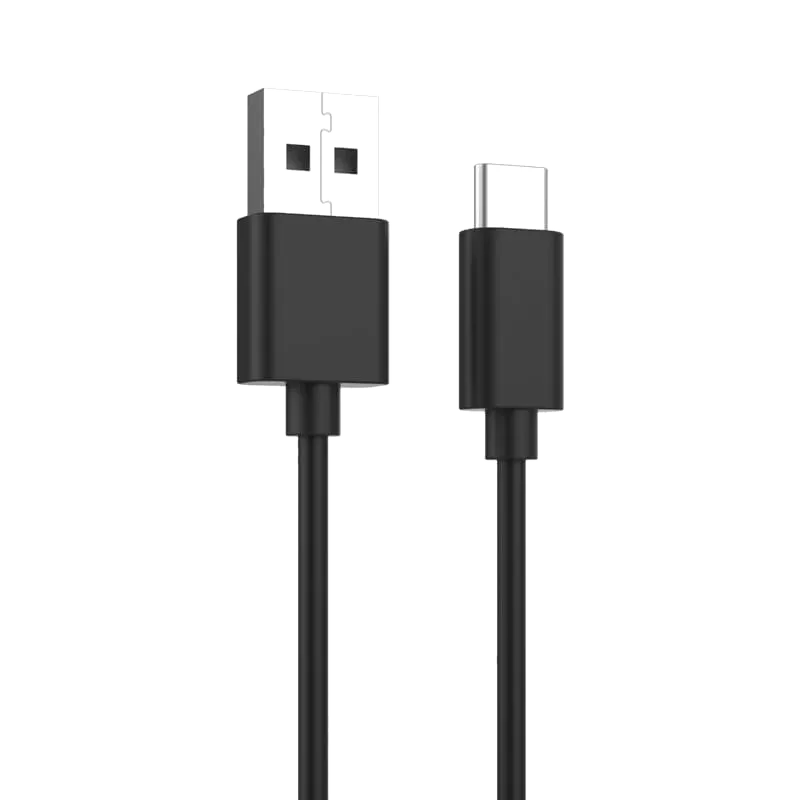 USB Type C 2.0 3A cable - PB495 USB 2.0 Type-C cable rated to 480Mbps and 3A with QC 3.0 support, for charging and syncing USB-C laptops and phones.
 -
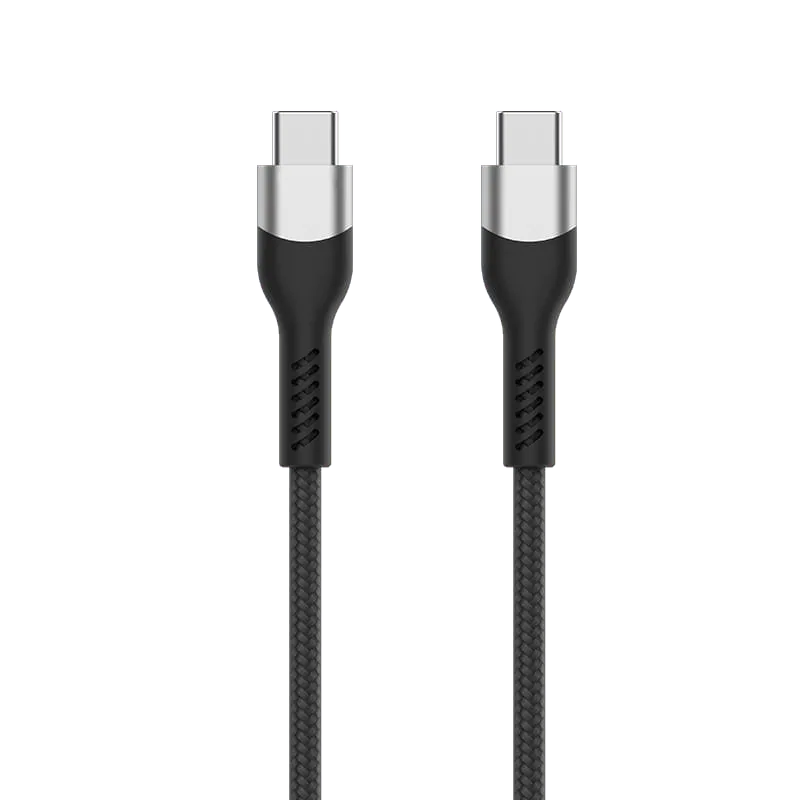 USB Type C to C 2.0 3A Cable - PF490 Braided USB-C to USB-C cable with aluminum shells, delivering up to 60W PD power and USB 2.0 480Mbps for laptops and adapters.
 -
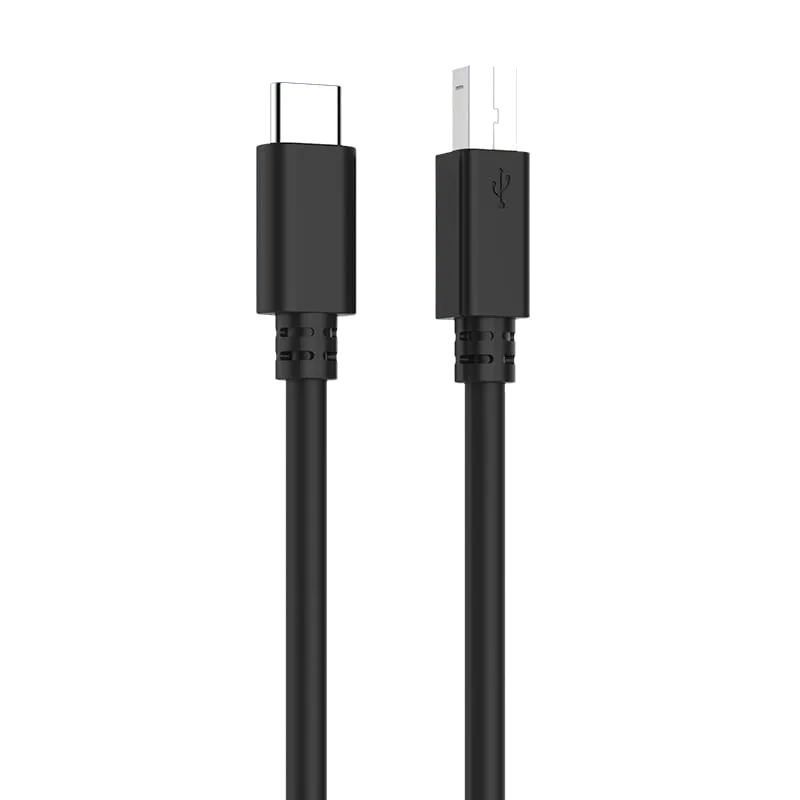 USB Type C to B 2.0 Cable - PB482 USB-C to USB-B 2.0 cable for printers, scanners, audio interfaces and MIDI gear — connects square USB-B equipment to a USB-C only laptop without a dongle.
 -
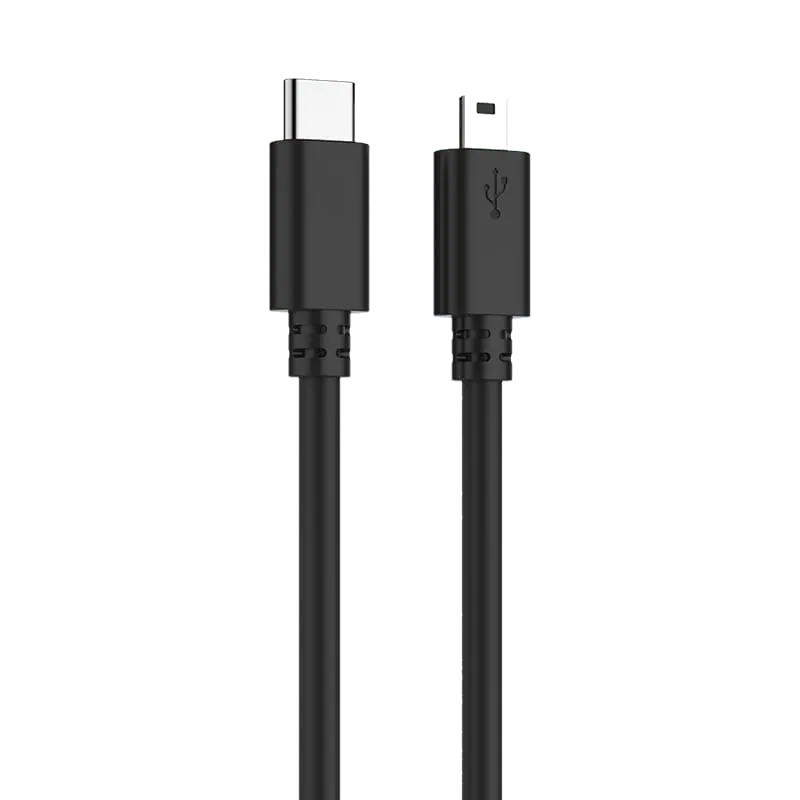 USB Type C to MiniUSB 2.0 cable - PB481 USB-C to Mini USB 2.0 cable up to 480Mbps, for data and power with older phones, cameras, dash cams and tablets.
 -
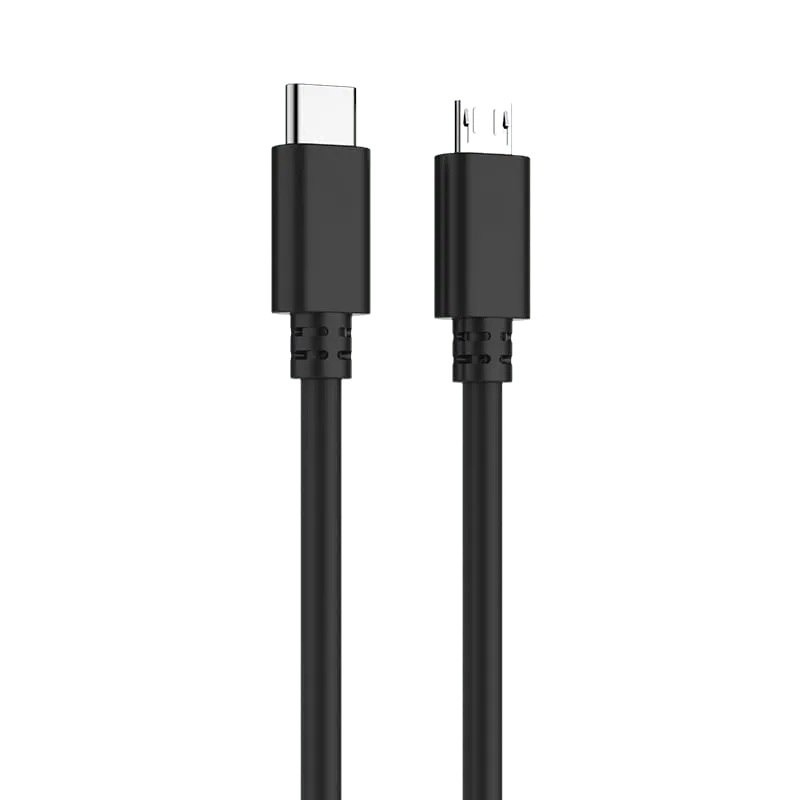 USB Type C to MicroUSB 2.0 Cable - PB480 USB-C to Micro USB 2.0 cable up to 480Mbps and 2.4A, for charging and syncing Android phones and tablets.
 -
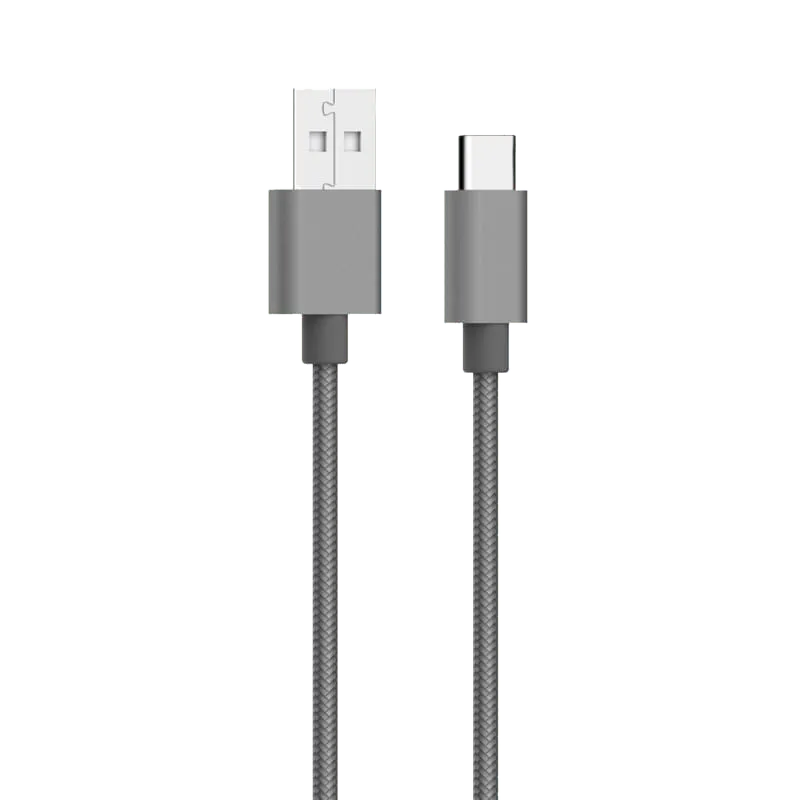 USB A to Type C 2.0 3A Cable - PLT495GR Grey nylon-braided USB-A to USB-C 2.0 cable at 480Mbps and 3A, for syncing and charging phones from a USB-A adapter.
 -
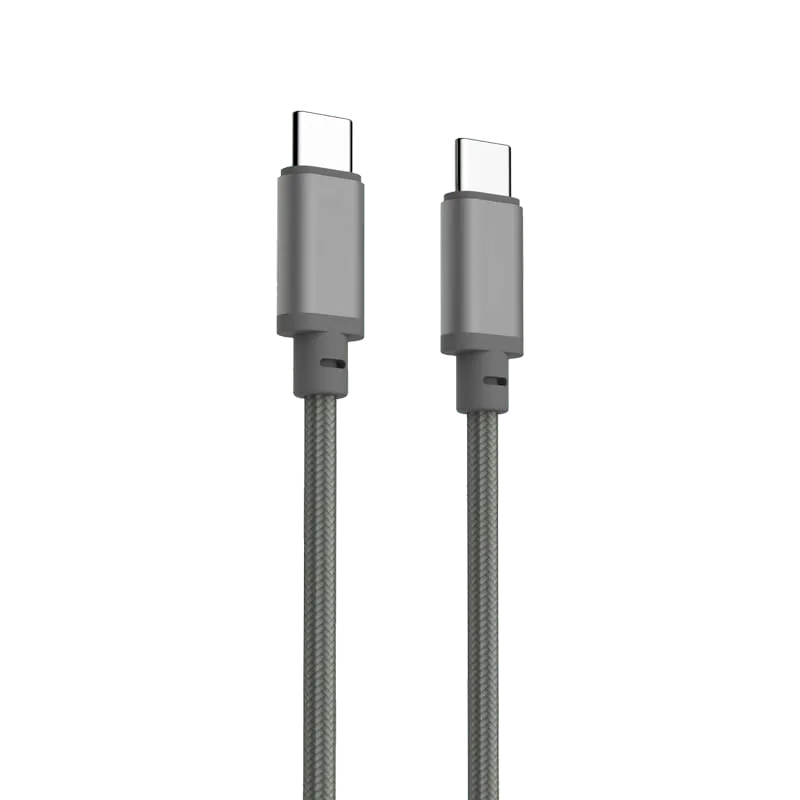 USBA to Type C 2.0 Cable (with PD100w) - PLT489GR USB-A to USB-C 2.0 braided cable supporting PD 100W charging and 480Mbps data, for laptops and adapters.
 -
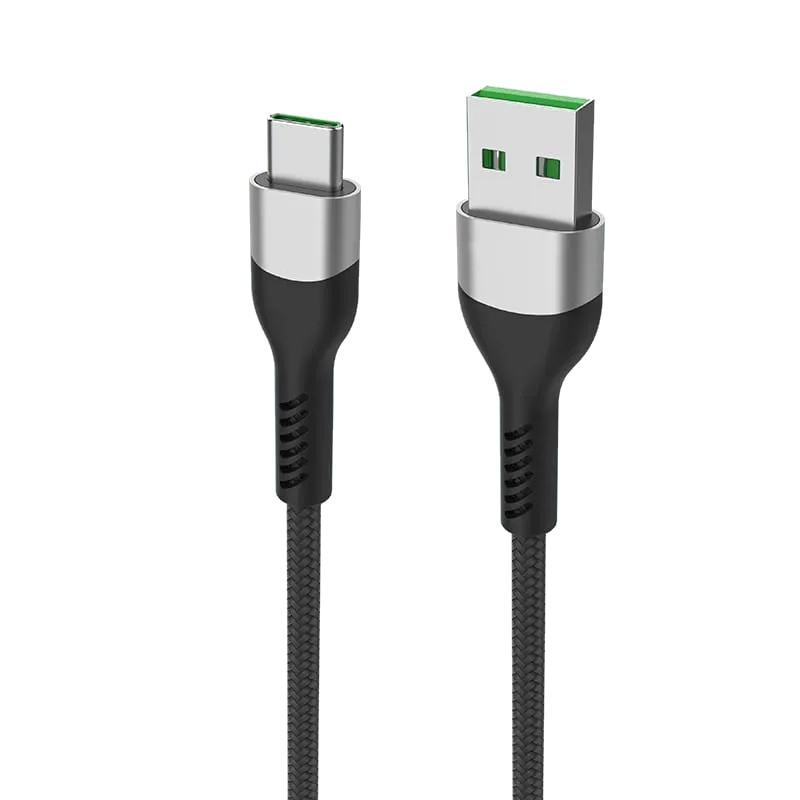 USB Type A to C 2.0 6A Cable - PF496 Multi-protocol USB-A to USB-C braided cable up to 5A, supporting PD, Huawei SCP/FCP, OPPO VOOC and QC3.0 fast charging.
 -
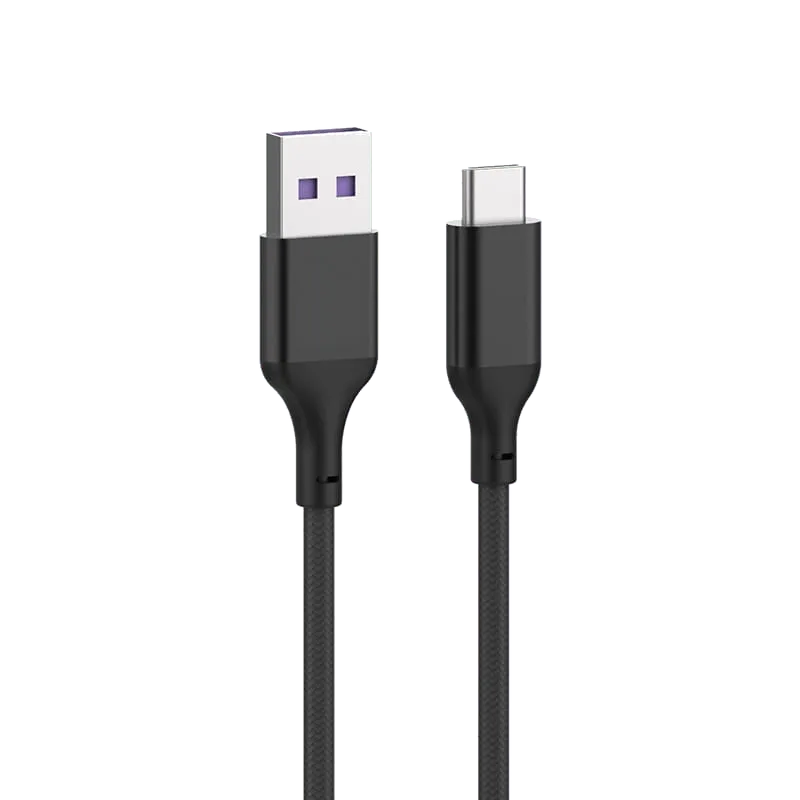 USB Type A to C 2.0 Cable - PLT497ABK(5A) Black nylon-braided USB-A to USB-C 2.0 cable at 480Mbps with 5A SuperCharge, for phones and adapters.
 -
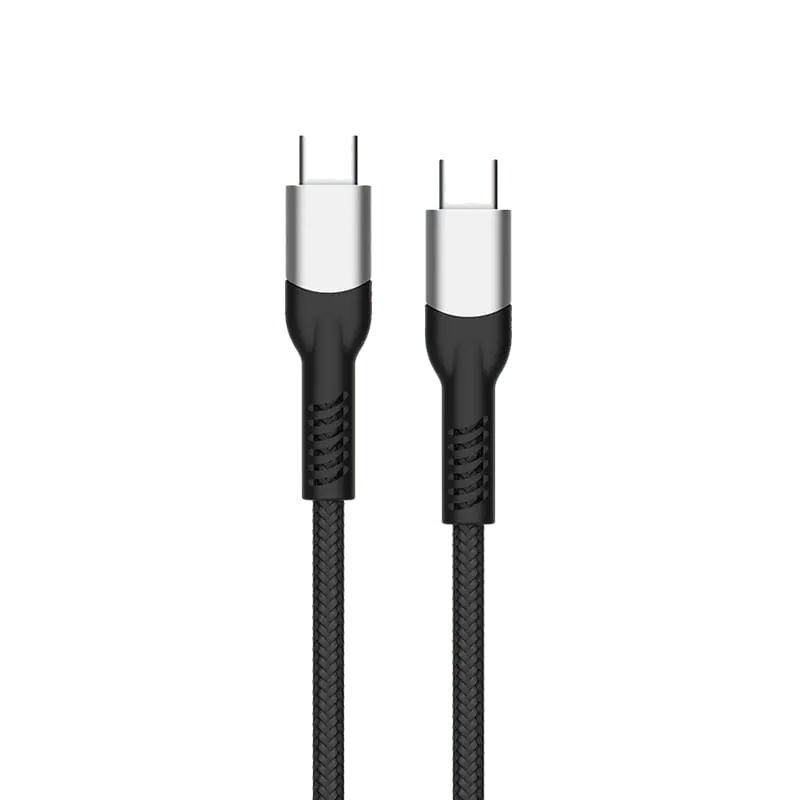 USB Type-C 10Gbps Cable - PF487A USB 3.1 Gen2 Type-C cable: 10Gbps data, 100W PD, 4K@60Hz DisplayPort A/V, E-Mark, nylon braided.
 -
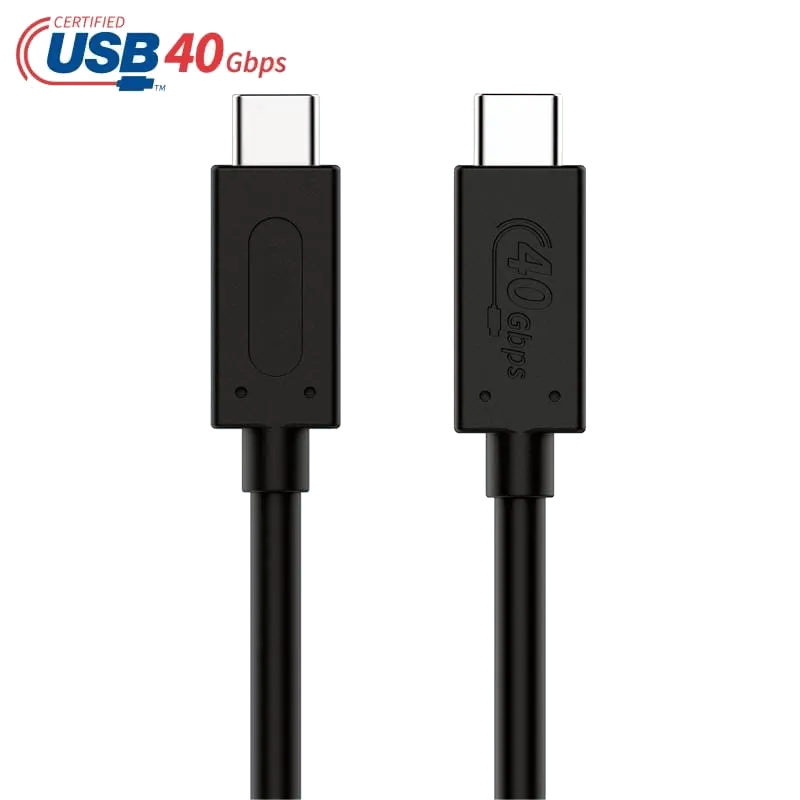 USB4 40Gbps Certified Cable 0.8m - PF587A 0.8m certified USB4 cable, 40Gbps, 100W PD and DP1.4 video to 8K@60Hz, Thunderbolt 3 compatible with E-Mark chip — the short, flexible TPE build for desk and dock use.
 -
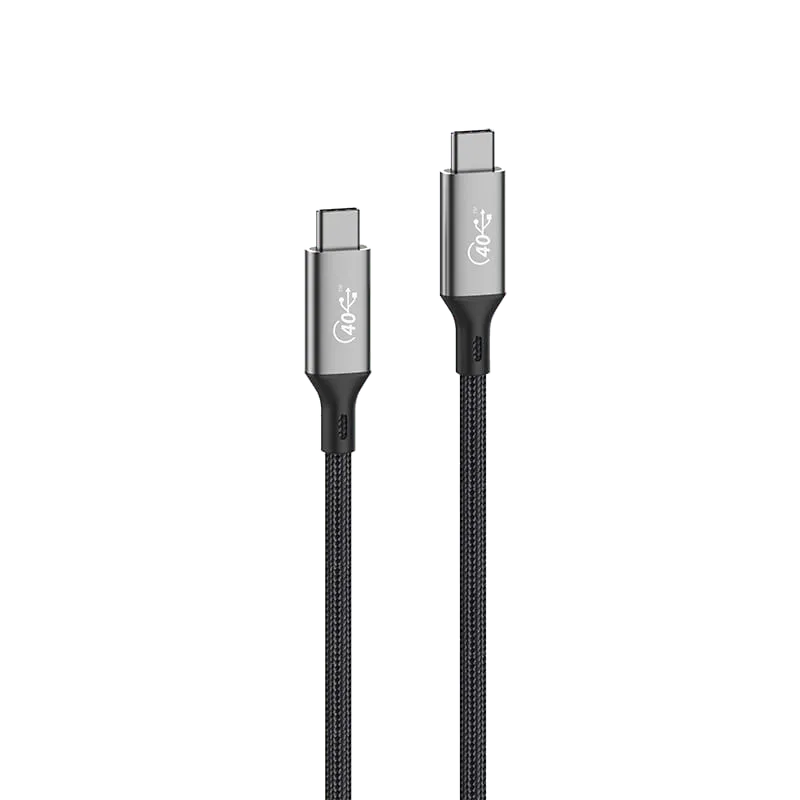 USB4 40Gbps/240W Cable 2m - PLT588 2m USB4 cable, 40Gbps, 240W PD 3.1 and DP1.4 video to 8K@60Hz, Thunderbolt 4 compatible with E-Mark chip; charging power depends on the charger and laptop both supporting and negotiating the corresponding USB PD EPR mode. Actual data speed, video output and interoperability with Thunderbolt devices depend on the shared capabilities of the host and connected devices.
 -
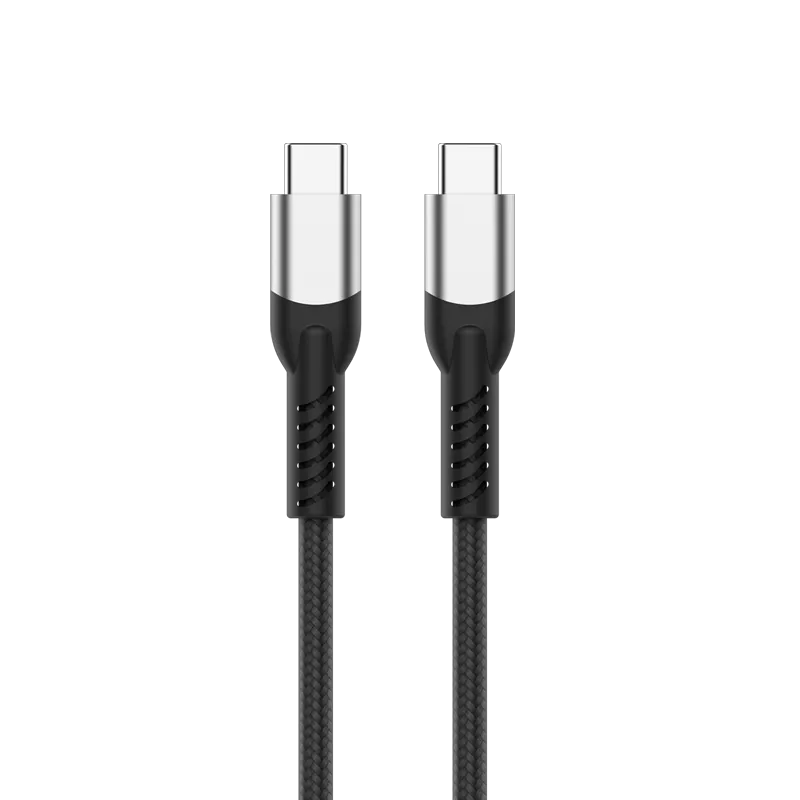 USB4 Gen4 Type-C 80Gbps / 120Gbps Data Cable - PF591A USB 4 v2.0 Type-C cable, USB4 v2.0 optional asymmetric data mode: up to 120Gbps in one direction and 40Gbps in reverse (actual speed depends on host/device capabilities and negotiated mode), 240W PD (page rating; reaching 240W requires the power source and sink to support and negotiate the corresponding USB PD EPR mode; actual power is negotiated by the system), 16K@60Hz DisplayPort audio and video (page display target; actual output depends on the host, display and any dock or adapter supporting the required video mode, link bandwidth and display settings, including DSC where needed), E-Mark, nylon braid.
No products match your filters. Try adjusting the search or filters.
Sourcing guides
- How to Choose the Right USB-C Cable: Charging vs Data vs VideoUSB-C is one connector with very different cables behind it. This guide explains how to choose by power (USB Power Delivery up to 240W), data speed (480 Mbps to 40 Gbps), video output and the E-marker chip, with a comparison table and real specifications.
- USB-C and USB4 Cable FAQ for BuyersCommon buyer questions about USB-C and USB4 cables — speed and power ratings, certification, cable length limits, and how to specify the right cable for your order.
- How to Choose a USB Cable: B2B Sourcing GuideA practical guide to selecting the right USB cable for your application—from printer connections to high-speed data transfer. Covers USB 2.0 and 3.0 standards, connector types, and how Tonetron supports OEM/ODM custom cable solutions.
What you get back within 24 hours
Unit price at your volume, real lead time, and whether the certification your market needs is already covered. If we are not the right factory for your spec, we will say so rather than waste your sampling round.