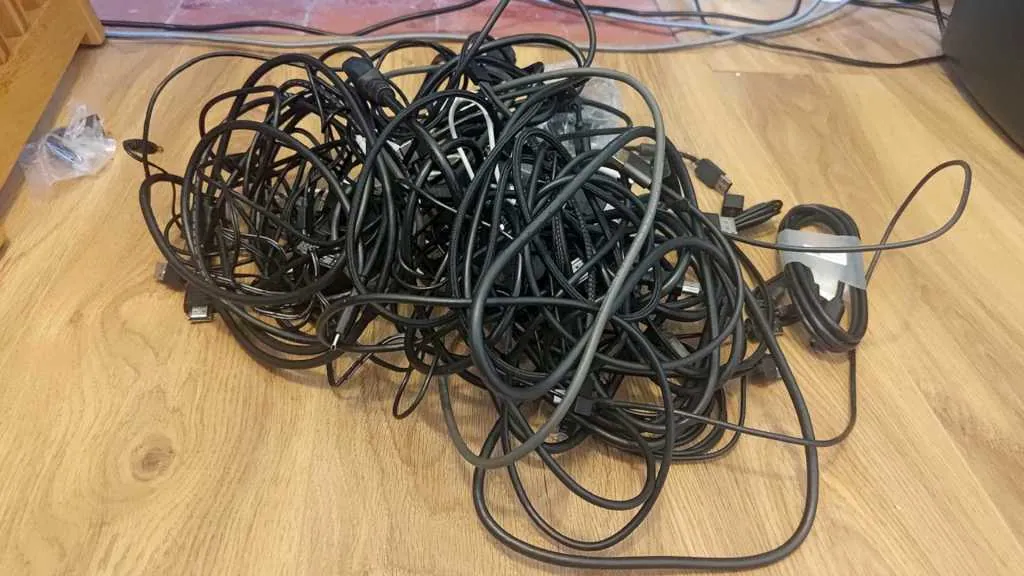
A writer at PCWorld bought a $50 USB cable tester, worked through a drawer for a couple of hours, and threw half of them away. The interesting part is not that cheap cables turned out to be bad. It is that the bad ones were indistinguishable from the good ones until an instrument was attached.
What a desk tester actually reads
A tester in this class is not laboratory equipment. It takes both ends of a cable and reports three things: which pins are connected, what the eMarker declares, and whether the shell is grounded. From those it derives the claimed charging capacity and data rate. The unit used in that audit, a Treedix tester with a 2.4-inch display, handles USB-A, USB-C, USB-B, Mini and Micro USB and Lightning on one fixture. For $50 that is a lot of visibility into a commodity part.
The four ways the cables failed
The failures in that drawer were not exotic. They are the standard four.
- No data path at all. Power pins wired, data pins absent: a charging cable that looks like a sync cable.
- USB 2.0 speed in a premium body. One retractable cable charged at 100 W and carried USB 2.0 data only.
- Charging below the claim. Cables that negotiated under 65 W despite being sold higher.
- No eMarker. No chip, therefore no way to declare anything above 3 A.
Two cables came out clean at 240 W, 40 Gbps and Thunderbolt 4 class.
Failure modes at a glance
| What the tester shows | What it means physically | What you notice in use | Verdict |
|---|---|---|---|
| Data pins not connected | Only VBUS and ground are wired | Device charges but never mounts | Label “charge only” or bin |
| No eMarker on a 100 W+ cable | Nothing declares above 3 A | Charger silently drops to 60 W | Bin for laptop charging |
| eMarker present, 480 Mbps declared | USB 2.0 wire set only | An SSD backup takes hours | Keep for charging only |
| Shell not grounded | Shield not terminated at the connector | Interference and dropouts at speed | Bin |
| 240 W and 40 Gbps confirmed | Full wire set plus eMarker | Works as sold | Keep |
Build quality is not a proxy for electrical capability
The most expensive lesson in that audit is about appearances: the outside of a cable tells you nothing about the inside. Braiding, machined shells and satisfying weight are decided in the jacketing and moulding stages. Whether the high-speed pairs exist, the shield is terminated and an eMarker was fitted is decided elsewhere in the build, and costs far more. A cable can be excellent at everything you can see and empty behind the connector.
What a $50 tester cannot see
Continuity and an eMarker read-out answer two questions: is it wired, and what does it claim. Neither answers whether it holds up. This class of tester will not measure insertion loss or crosstalk, run an eye diagram, or hold the cable at full rated current long enough for a marginal crimp to heat up. It says nothing about ten thousand insertions or a bend-cycle test. It also takes the eMarker at its word, and an eMarker is firmware that can be programmed to say anything.
What incoming inspection adds
That gap is the difference between auditing a drawer and qualifying a supplier. In our own plant in Dongguan — a 50,000 m² site we built in 1993, running nine production lines — continuity and eMarker checks sit at the first gate, not the last. Behind them come high-current load testing, shield termination checks and sample-based mechanical life testing. Every failure mode in the table above is catchable at that first gate, which is why a cable failing them should never have reached a retail box.
Auditing your own bag in twenty minutes
You do not need to buy anything to capture most of the benefit. Plug an external drive into each cable in turn and see which ones mount; that separates charge-only from data in one pass. Flag the survivors with tape marked watts and speed. Bin any cable you cannot identify: an unknown cable costs more in wasted troubleshooting than it saved at purchase. If you buy a tester, the $50 tier catches every failure above.