Two USB-C cables can look identical, differ tenfold in price, and both charge a phone. The difference is inside the jacket: a USB4 cable is a different product from a charging cable that shares its connector. This guide covers what the price pays for, when you can skip it, and when you cannot.
One connector, six cable classes
USB-C standardized the plug, not what runs through it. The same connector carries USB 2.0 at 480 Mbps, USB 3.2 Gen 1 at 5 Gbps, USB 10Gbps, USB 20Gbps, USB4 40Gbps and USB4 80Gbps. USB-IF now names cables by data rate, and the number is the capability. The USB4 v2 specification adds a second mode to the 80 Gbps cable, 120 Gbps one way and 40 Gbps the other, which a high-resolution display can use. The connector does not tell you which class you are holding.
What a USB4 cable contains that a cheap cable does not
Four high-speed lanes. A USB 2.0 charging cable wires power, ground, the CC line and one low-speed data pair. A USB4 cable adds two transmit and two receive differential pairs, each shielded. A cheap cable cannot be made fast by firmware: the wires are not in it.
Impedance control and shielding. At 40 Gbps or 80 Gbps every geometric flaw along the run costs signal. The pairs must hold a controlled impedance, each shield must terminate cleanly at the paddle board, and the braid must bond to the connector shell. A charging cable has none of this because 480 Mbps tolerates almost anything.
An eMarker. A small chip in the plug reports the cable's current rating and data capability over the CC line. Any cable rated above 3 A needs one, and so does any cable at 5 Gbps or above. Without it a charger stays at 3 A and a host never attempts a high-speed link, whatever the sleeve says.
Length discipline. Passive 40 Gbps and 80 Gbps cables are typically limited to about 0.8 m. Past that, a retimer chip in each plug is needed, which makes it an active cable and raises the price again. A long cable sold as passive USB4 is mislabeled or will negotiate down.
Cable classes at a glance
| Cable class | Data rate | Max current (5 A needs eMarker) | eMarker required? | Typical passive length | Good for |
|---|---|---|---|---|---|
| USB 2.0 (charging cable) | 480 Mbps | 3 A or 5 A (240 W EPR) | Only above 3 A | Longest of any class | Charging, keyboards, phone sync |
| USB 3.2 Gen 1 | 5 Gbps | 3 A or 5 A | Yes | Longer than USB4 | Basic drives, hubs |
| USB 10Gbps | 10 Gbps | 3 A or 5 A | Yes | Longer than USB4 | SATA SSD enclosures, webcams |
| USB 20Gbps | 20 Gbps | 3 A or 5 A | Yes | Longer than USB4 | Fast SSDs on Gen 2x2 ports |
| USB4 40Gbps | 40 Gbps | 3 A or 5 A | Yes | About 0.8 m | Docks, NVMe enclosures |
| USB4 80Gbps | 80 Gbps, or 120/40 Gbps asymmetric | 3 A or 5 A | Yes | About 0.8 m | Multi-display docks |
When the cheaper cable is the right buy
- Charging only. Phones, headphones, cordless tools and most tablets draw 3 A or less; a plain cable with no eMarker handles them. Above 3 A, buy a 5 A cable with an eMarker; the data rate still does not matter.
- USB 2.0 data. Keyboards, mice, printers and phone sync run at 480 Mbps by design; a USB4 cable moves the same bytes at the same speed.
- Short desk runs to a 10 Gbps device. An SSD enclosure on a 10 Gbps port needs a USB 10Gbps cable, not USB4; the port caps the link.
When paying more is the only thing that works
Docks. A dock puts display, storage and network on one link; through a USB 10Gbps cable the drives crawl or a second monitor never appears. A dock needs USB4 40Gbps at minimum, and USB4 80Gbps for more than one high-resolution display.
External NVMe. At 10 Gbps the drive is throttled to a fraction of its rate; at 40 Gbps it behaves like internal storage.
Tunneled displays. A high-refresh or dual display consumes most of 40 Gbps. The 120/40 Gbps asymmetric mode exists for this workload, and only a USB4 80Gbps cable exposes it.
240 W EPR charging. USB PD 3.1 EPR reaches 240 W at 48 V and 5 A. A cable without an EPR-capable eMarker is never offered that profile, and the laptop charges slowly with no error shown.
How to read the marking
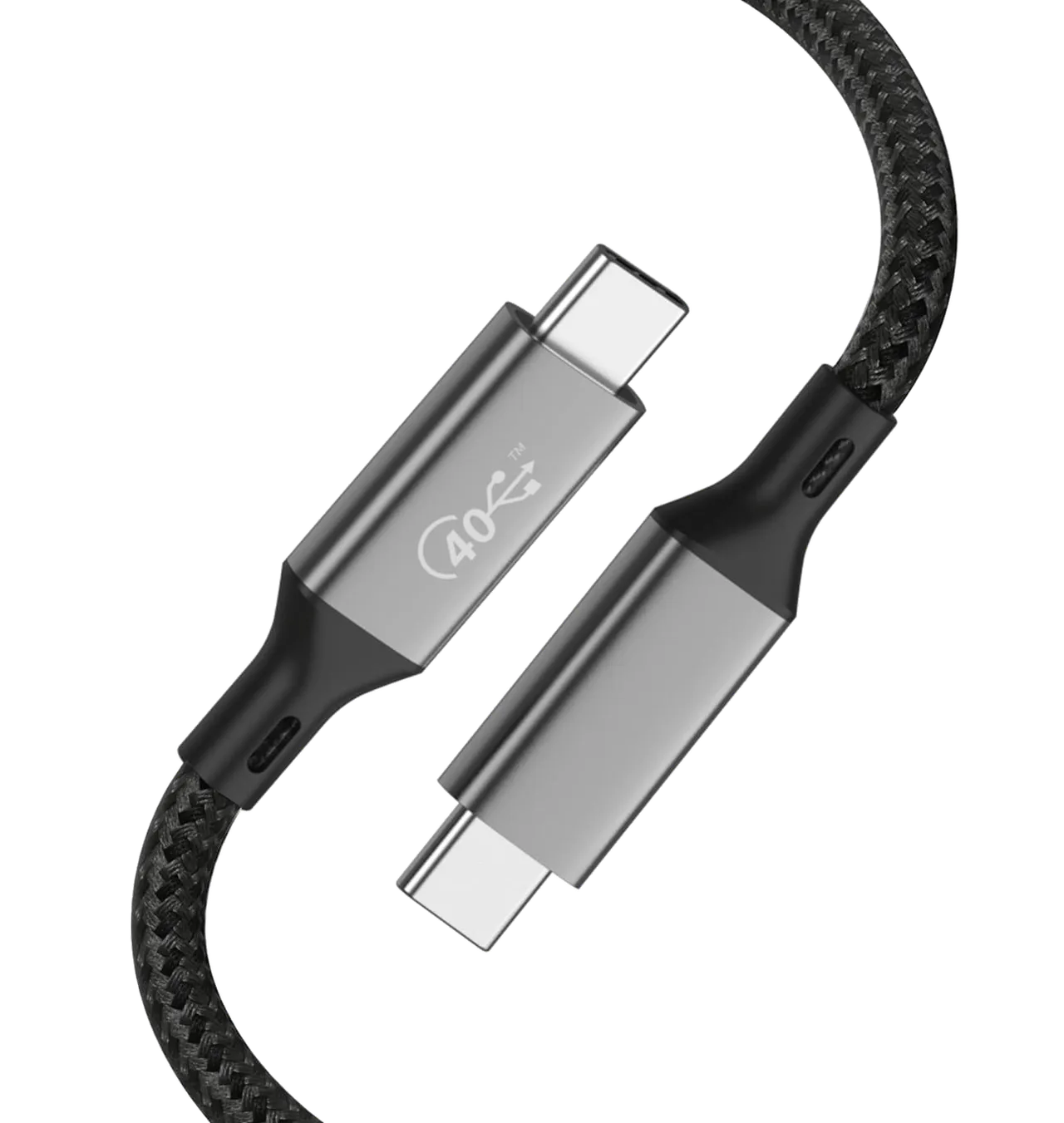
A USB-IF certified cable carries a logo on the overmold stating the data rate in Gbps and the power rating in watts, side by side. 80 Gbps and 240 W is the top of the range; 480 Mbps and 240 W is a charging cable. An unmarked cable has told you nothing; read its eMarker with a tester. Treat a passive cable claiming 40 Gbps or 80 Gbps at well over 0.8 m as mislabeled until proven otherwise.
What to put in a specification
Describe the cable by what it must negotiate, not what it looks like. Name the class in USB-IF terms, USB4 80Gbps, USB4 40Gbps or USB 10Gbps, so no supplier can substitute a slower class under a vague label. State the current rating, 3 A or 5 A, and whether 240 W EPR is required. Require an eMarker above 3 A or 5 Gbps and ask for its programmed values on the test report. Fix the length and state passive or active. Require shield termination at both shells and insertion-loss or eye-diagram data at the rated speed, not just continuity.
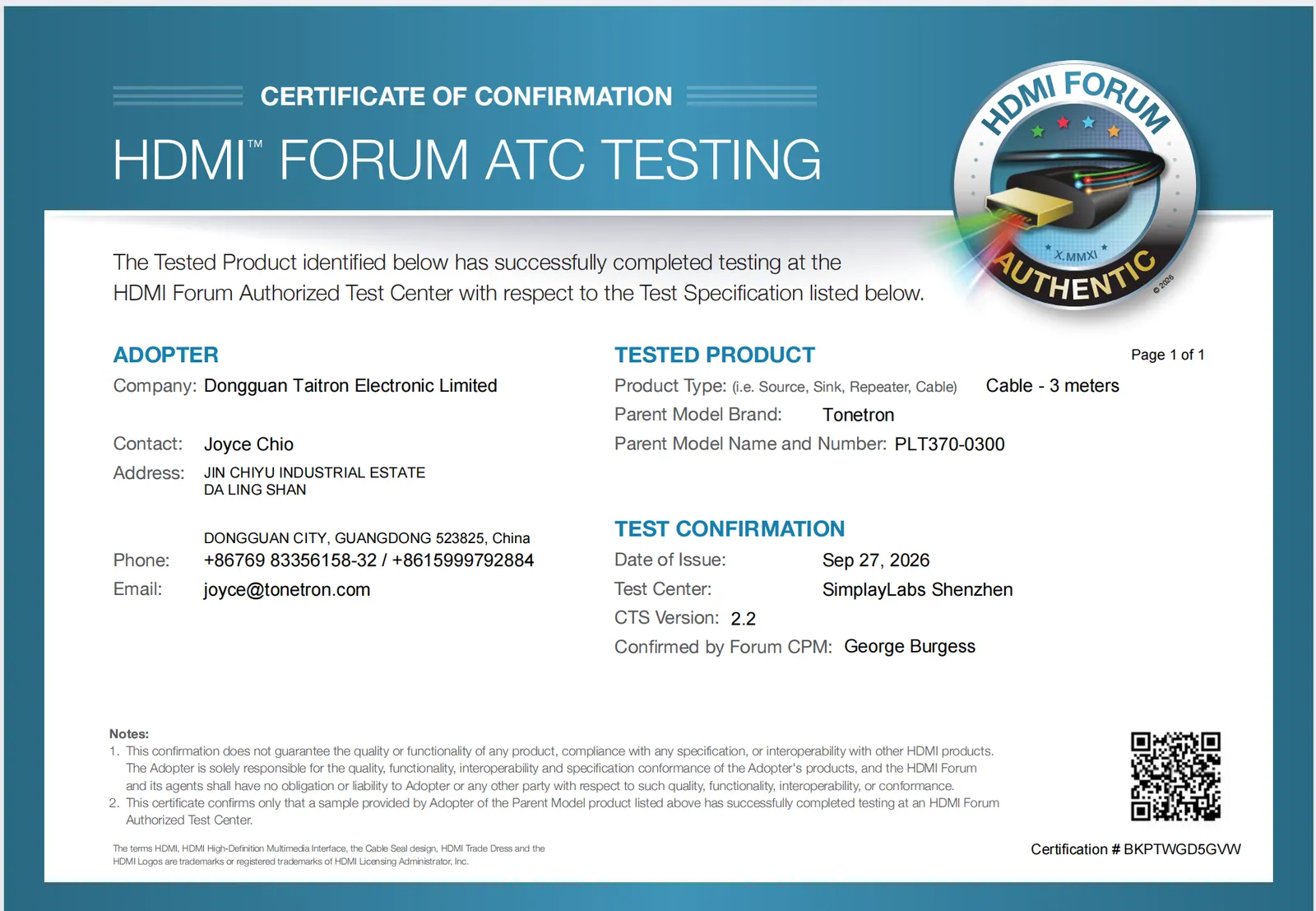
Tonetron (Dongguan Taitron Electronic Limited) has been an HDMI™ Adopter for 20 years; its USB4 cable PF587A-0080 passed USB-IF certification testing (TID 6801), and its USB-IF membership has since lapsed. Its USB-C and USB4 line, including 80 Gbps and 120 Gbps USB4 cables, is built in a 50,000 m² self-owned ISO 9001 factory. A supplier that can show its own test data is easier to specify against than one that can only show a photo.