The back of a television is a row of identical sockets with different abilities behind them. On most TVs and many monitors, only one or two HDMI inputs run at the full 48 Gbps of HDMI 2.1, one doubles as the eARC channel for a soundbar, and the rest are HDMI 2.0-class inputs capped at 18 Gbps. Plug a console into the wrong one and 4K 120 Hz disappears without an error message.
Not every HDMI port is the same port
A 48 Gbps input costs more than an 18 Gbps one, so a typical set carries one or two of the fast kind and fills the rest with HDMI 2.0-class inputs. Some sets print 4K120 or Game beside the fast inputs; others only number them. The eARC port is usually marked, but it is not always a fast one, and on some sets it is the only fast one, forcing a choice between a console and a soundbar for the same socket.
The version numbers describe what the port can accept: HDMI 2.0 tops out at 18 Gbps, HDMI 2.1 at 48 Gbps. HDMI 2.2 raises that to 96 Gbps, with the first devices expected in 2027, and the pattern will repeat: one 96 Gbps input among slower ones.
How to find the high-bandwidth port
The printed label. Look for 4K120, 120Hz, Game, or a controller icon beside the socket. STB means set-top box and marks an ordinary input. eARC marks the audio return port and says nothing about video bandwidth.
The manual or spec page. The input section lists supported formats per port. If it says 4K 120 Hz works on two inputs only, that is the answer, whatever the sticker shows.
The on-screen input settings. Most sets show a per-port mode named Enhanced, HDMI Deep Color, or Input Signal Plus. The fast ports offer it; the slow ones do not. Some sets ship with that mode off, so a console can sit in the right socket and still be held to 18 Gbps until it is switched on. A console that reports 4K 120 Hz as available is on a fast port with the mode enabled.
What to plug into which port
| Port label | Bandwidth class | Connect here | If you get it wrong |
|---|---|---|---|
| 4K120, Game, 120Hz | 48 Gbps (HDMI 2.1) | Current game console, gaming PC, any 4K 120 Hz source | The source drops to 4K 60 Hz and reports 120 Hz as unavailable; no error is shown |
| eARC | Audio return, up to 37 Mbps | Soundbar or AV receiver | The soundbar receives compressed audio only; lossless formats from the TV's own apps are unavailable |
| Numbered or unlabeled | 18 Gbps (HDMI 2.0) | Streaming stick, disc player, older console | Nothing, as long as the source outputs 4K 60 Hz or less |
| STB | 18 Gbps (HDMI 2.0) | Cable or satellite box | Nothing; it is an ordinary input with a suggested use |
The streaming stick in the wrong port: myth and fact
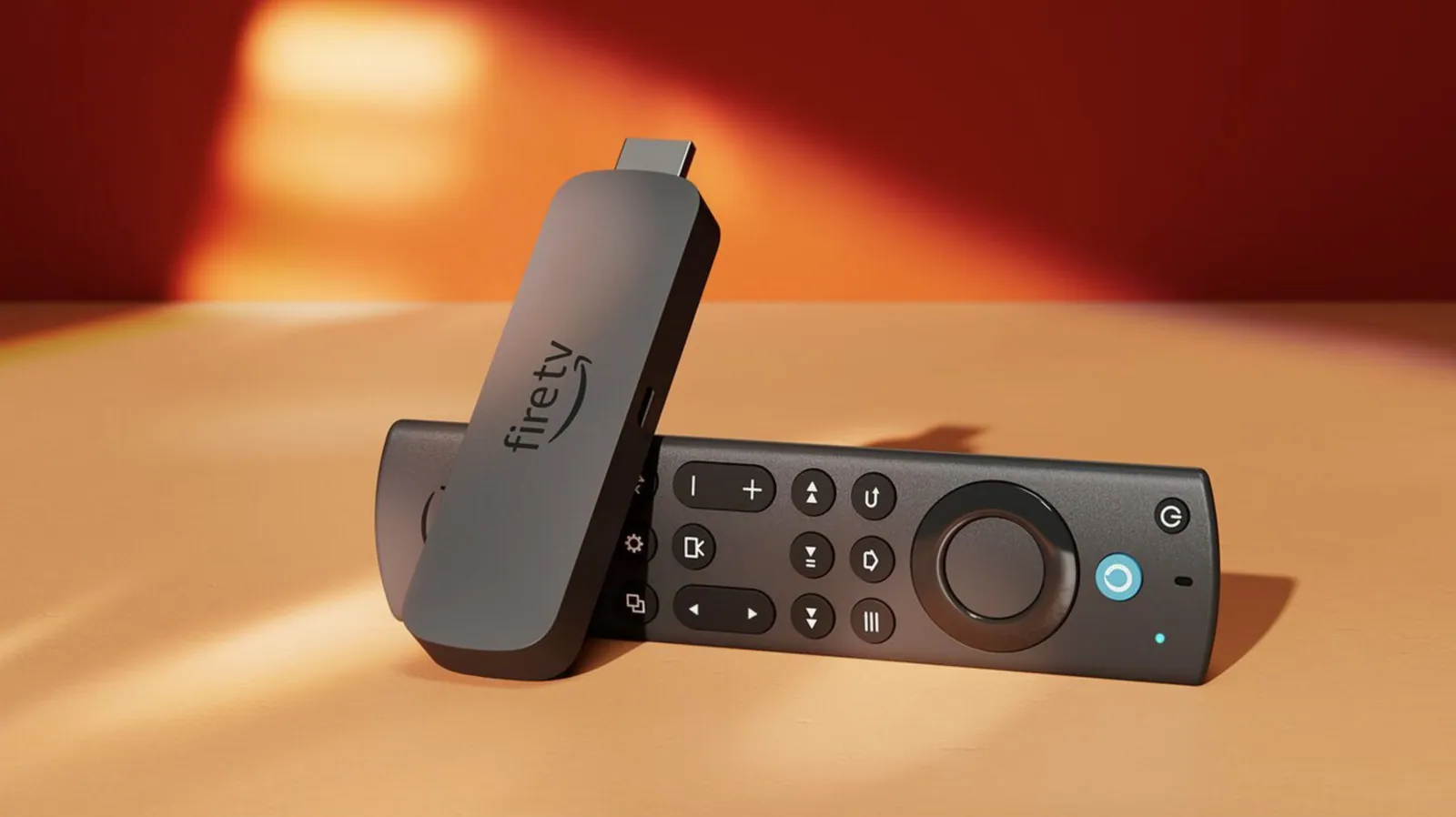
The old advice that a Fire TV Stick belongs in one particular port is half right, and the wrong half gets repeated. On bandwidth it is a myth. A typical streaming stick outputs at most 4K 60 Hz, well within an 18 Gbps port. Moving it to the 48 Gbps input gains nothing and takes a socket a console might need.
Where the port does matter for a stick is control and audio. If the stick occupies the eARC socket, the soundbar loses its return channel. And HDMI-CEC, the link that lets the stick's remote turn the TV on, is enabled per input on some sets. A stick that stops waking the TV after a move to another socket has lost CEC on that input, not bandwidth; the fix is in the settings menu.
Why the cable still matters at the top end
A 48 Gbps port and a 48 Gbps source still settle at whatever the cable can carry. A Premium High Speed HDMI® Cable is certified for the 18 Gbps class and holds 4K 60 Hz with HDR without trouble. It is not certified for 48 Gbps, and at that rate it produces the symptoms people blame on the TV: sparkles, a momentary black screen on scene changes, or a console that quietly refuses to offer 120 Hz. 4K at 120 Hz needs a 48 Gbps-class port at both ends and an Ultra High Speed HDMI® Cable between them, tested to the full rate and carrying a QR-coded certification label. Under HDMI licensing rules a cable is never labeled by version number, so a package that leads with a version number and no certification label is a warning sign. Below the 48 Gbps tier the cable rarely matters.
A short checklist
- Find the fast input from the manual or the input settings, not the socket's position.
- Console or gaming PC goes to the 48 Gbps input, with the enhanced input mode switched on.
- Soundbar or receiver goes to the eARC input, with eARC and CEC enabled on both.
- Streaming sticks, disc players, and set-top boxes go to any other input.
- Use an Ultra High Speed HDMI® Cable on the console link and a Premium High Speed HDMI® Cable everywhere else.
- If the fast input and the eARC input are the same socket, give it to the soundbar and put the console on the next fast input, or route the console through a soundbar with a 48 Gbps-class input.
What this means when you specify cables
For a buyer sourcing cables for TVs, monitors, or set-top boxes, the port map decides the specification, not the newest number. Only the link into a 48 Gbps input needs an Ultra High Speed HDMI® Cable; every 18 Gbps input, which is most sockets on most sets, is fully served by a Premium High Speed HDMI® Cable. Tonetron (Taitron) has been an HDMI Adopter for 20 years and builds both classes in a 50,000 ㎡ self-owned ISO 9001 factory, so a mixed order that follows the port map is a normal request.