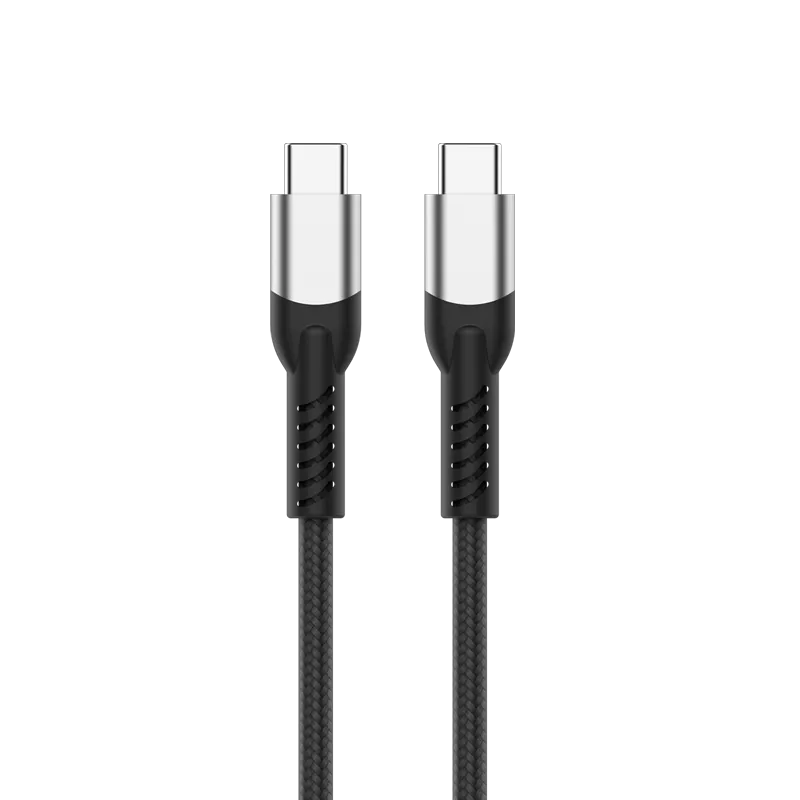
What each number actually refers to
| Headline rate | Specification | Signalling | What it means |
|---|---|---|---|
| 40Gbps | USB4 Gen3×2 | NRZ, 20Gbps × 2 lanes | Symmetric: 40Gbps in both directions |
| 80Gbps | USB4 Gen4 (USB4 Version 2.0) | PAM3, 40Gbps × 2 lanes | Symmetric: 80Gbps in both directions |
| 120Gbps | USB4 Gen4 (USB4 Version 2.0) | PAM3, asymmetric lane split | 120Gbps one way, 40Gbps the other |
80Gbps and 120Gbps are the same cable
This is the single most common misunderstanding. USB4 Gen4 defines both an 80Gbps symmetric mode and a 120Gbps / 40Gbps asymmetric mode. The asymmetric mode reallocates three of the four lanes into one direction, which is useful when driving a high-refresh DisplayPort 2.1 monitor: the display needs enormous downstream bandwidth and almost nothing upstream.
A cable that supports one supports the other. If a supplier offers you an "80Gbps cable" and a "120Gbps cable" as two different SKUs at two different prices, ask which USB specification each one is built to — the answer for both should be USB4 Gen4.
Why PAM3 matters for cable construction
USB4 Gen3 uses NRZ signalling: two voltage levels, one bit per symbol. USB4 Gen4 moves to PAM3, which encodes three voltage levels and carries more data per symbol. That is how the rate doubles without doubling the symbol rate.
The practical consequence is that PAM3 has less noise margin between levels. Insertion loss, impedance consistency and crosstalk that a 40Gbps cable tolerates will produce errors at 80Gbps. This is a materials and process problem, not a connector problem — it comes down to conductor gauge, dielectric consistency, shielding coverage and how tightly the pair geometry is held along the whole length.
Passive length limits
Bandwidth and length trade against each other. As a working rule for passive (non-retimed) USB-C cables:
- Up to 0.8 m — passive construction can carry 40Gbps, and USB4 Gen4 rates over a well-built passive cable
- 1 m to 2 m — achievable at 40Gbps with careful construction; above that, active cables with retimers are normally required
- Beyond 2 m — active cabling, at materially higher cost
Be sceptical of a long, cheap, high-bandwidth passive cable. Physics does not discount.
Every high-rate USB-C cable needs an E-Marker
Any USB-C cable rated above 3A, and every USB4 cable, must contain an E-Marker chip. The host reads it over the CC line to learn what the cable can actually do — data rate, current capability, and whether it is passive or active. Without a valid E-Marker, a host will conservatively fall back to a lower rate no matter what is printed on the jacket.
When you evaluate a supplier, ask what E-Marker chip they use and what it declares. A vague answer usually means the cable will not negotiate the rate on the label.
How to verify a bandwidth claim
- Ask which specification, not which number. "USB4 Gen4" is checkable. "80Gbps" alone is a marketing figure.
- Ask for the USB-IF certification status and, if certified, the TID. USB-IF publishes its integrators list at usb.org.
- Ask for the E-Marker declaration — the current and data-rate values it reports.
- Ask for eye-diagram or insertion-loss data at the rated length. A factory with its own test equipment can produce this; a trading company usually cannot.
Where our own cables sit
- USB Type-C 4 40Gbps Certified Cable — PF587A (0.8 m, USB4 40Gbps, certified)
- USB Type-C 4 40Gbps / 240W Cable — PLT588 (2 m, 40Gbps data plus 240W power)
- USB4 Gen4 Type-C 80Gbps / 120Gbps Data Cable — PF591A (one cable, both modes)
Ask us for the specification sheet
Tonetron is the export brand of Dongguan Taitron Electronic Limited (东莞台昶电子有限公司), a cable and connector manufacturer in Dongguan, Guangdong, China, established in 1984. We build HDMI, USB-C, DisplayPort and custom cables on our own lines and ship factory-direct to more than 40 countries.
- Email: sales@tonetron.com
- Phone: +86-0769-83356158
- Contact form: tonetron.com/contact
Tell us the target specification, quantity and destination market and we will send the matching datasheet and a quote. MOQ, tooling and lead-time figures are project-specific.