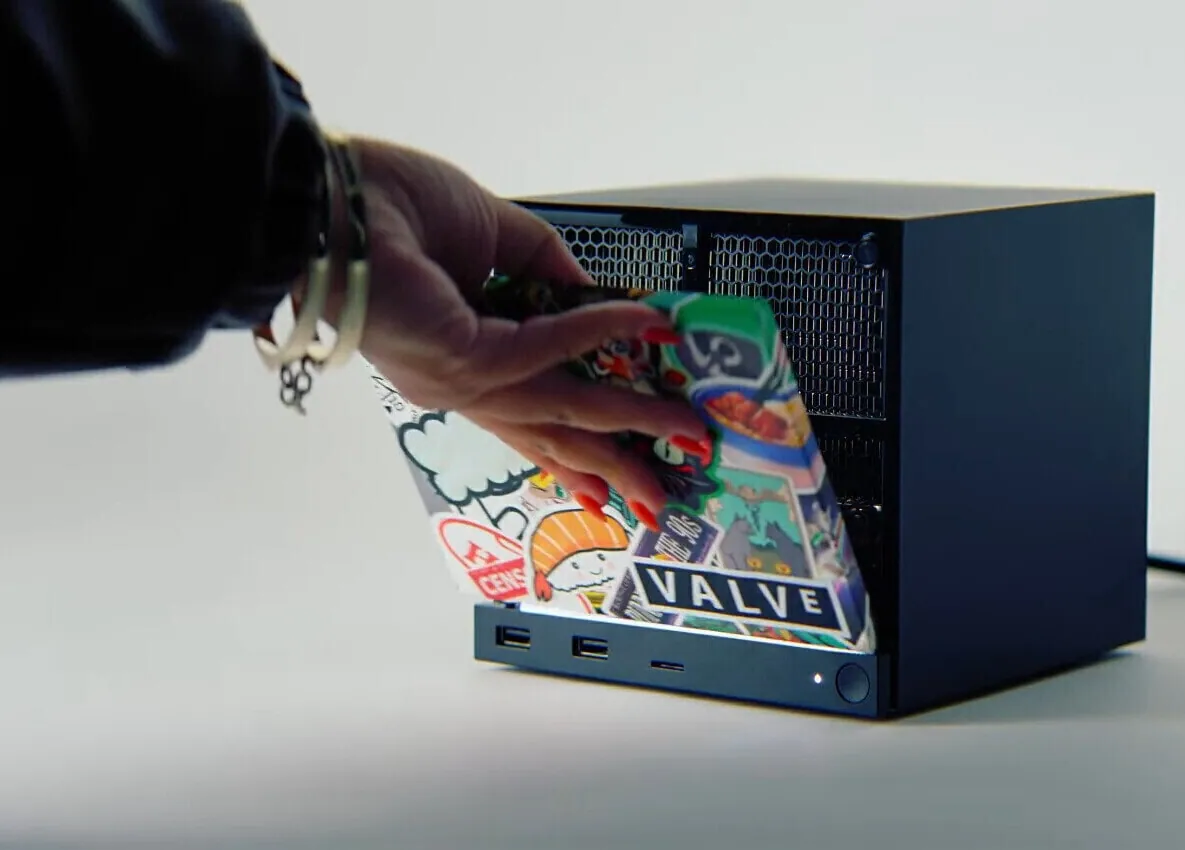
With HDMI 2.1 support finalised on Linux, Valve quotes 4K at 240Hz for the Steam Machine. It is a headline number worth taking apart, because "4K240 over HDMI" is true only under conditions that decide which cable you need.
Where the 48Gbps goes
Bandwidth demand is resolution × refresh rate × bits per pixel, plus blanking overhead. HDMI 2.1's Fixed Rate Link carries 48Gbps of raw signalling, of which roughly 42.6Gbps is usable payload after encoding. Against that ceiling:
| Format | Approx. payload | Fits in 48Gbps FRL? |
|---|---|---|
| 4K @ 120Hz, 8-bit, 4:4:4 | ~24Gbps | Comfortably |
| 4K @ 240Hz, 8-bit, 4:2:0 | ~24Gbps | Comfortably |
| 4K @ 240Hz, 8-bit, 4:4:4 | ~48Gbps | At or over the limit |
| 4K @ 240Hz, 10-bit HDR, 4:4:4 | >48Gbps | Only with DSC |
So 4K240 is real, but it arrives one of three ways: with chroma subsampled to 4:2:0, with colour depth reduced, or with Display Stream Compression doing the work. DSC is visually lossless and is the normal answer on the desktop — but note that on the open-source Linux driver, FRL landed first and DSC was still in testing at the time of writing. Which of the three paths a given setup takes is worth checking rather than assuming.
What this asks of the cable
Every row in that table assumes the cable can carry it. At the top of the range there is no margin left for a cable that is merely adequate: FRL runs four lanes at up to 12Gbps each with the clock embedded in the data, and the budget for insertion loss, inter-pair skew and impedance discontinuity is far tighter than the older TMDS signalling ever demanded.
In manufacturing terms that translates into conductor consistency, dielectric uniformity, shield coverage and connector termination repeatability along the entire length. A cable that has run 4K at 60Hz reliably for years can fail at 4K240 for reasons nothing on the outside reveals.
How to tell which path your setup is taking
Because three different routes reach the same "4K 240Hz" line on a spec sheet, it is worth knowing which one you actually have. The display's own information menu usually reports the incoming format, and that is the quickest check: it will name the refresh rate, the colour depth and, on most panels, the chroma mode. If it reports 4:2:0 where you expected 4:4:4, the link is subsampling to fit.
Two things commonly force that downgrade without telling you. The first is the cable — if it cannot hold the full FRL rate, the source negotiates to something that fits and reports no error. The second is the input: on many televisions the higher-bandwidth modes are off by default and have to be enabled per HDMI port, often under a name like "enhanced format" or "input signal plus". A correct cable into a port left in its default mode still gives you the lower format.
What to specify
- Ultra High Speed — the certified category name. "An HDMI 2.1 cable" is a loose description carrying no certification.
- The scannable certification label on the packaging, with its QR code.
- The length, decided up front. Passive Ultra High Speed cables are certified to about 3 m. A living-room run to a projector is not a passive-cable job.
- Which Authorized Testing Centre tested it, plus the report.
Where our own cables sit
- HDMI A 8K/60 Certified Cable — PF331S — 48Gbps, ATC test confirmation at 1.5 m and 3 m
- HDMI A 4K AOC Cable — PLT288 — active optical for longer runs
- All HDMI cables
Ask us for the specification sheet
Tonetron is the export brand of Dongguan Taitron Electronic Limited (东莞台昶电子有限公司), a cable and connector manufacturer in Dongguan, Guangdong, China, established in 1984. We build HDMI, DisplayPort, USB-C and custom cables on our own lines and ship factory-direct to more than 40 countries.
- Email: sales@tonetron.com
- Phone: +86-0769-83356158
- Contact form: tonetron.com/contact
Tell us the target specification, quantity and destination market and we will send the matching datasheet and a quote.