As a buyer sourcing USB4 cables from China, you’ve probably received samples that claim “USB4 40Gbps.” But how do you know the cable actually supports that speed—and that it’s certified, not just a generic USB 3.2 cable with a USB-C connector? Here’s a three-step verification workflow that works with any supplier, including us at Tonetron.
Step 1: Read the E-Marker
Every USB-C cable that supports USB4 or higher power (over 3A) must contain an E-Marker chip. This chip stores the cable’s capabilities: speed, current rating, and vendor info. You read it with a USB-C cable tester or a USB Power Delivery analyser that supports E-Marker readout. Ordinary operating-system device lists will not show it — a passive cable is not a USB device, so do not expect to see it in a laptop's USB tree.
What to look for:
- The E-Marker should report “USB4 Gen3” or “40Gbps” as the supported speed.
- It should also show the cable’s current rating (3 A or 5 A).
- The vendor ID (VID) and product ID (PID) should match the supplier’s TID (see Step 2).
Common fake: A cable that reports “USB 3.2 Gen2” (10Gbps) or “USB 3.2 Gen2x2” (20Gbps) but is labeled as USB4. If the E-Marker doesn’t say 40Gbps, the cable isn’t USB4.
Step 2: Ask for the TID (Test ID)
The TID is the unique number assigned by USB-IF when a cable passes certification. Every certified USB4 cable has one. Ask your supplier for the TID and the corresponding certificate.
What a valid TID looks like:
- It is a plain number (ours is 6801 — our cable passed USB-IF certification testing; our membership has since lapsed).
- The certificate should show the cable model, the test lab, and the certification date.
- The certificate must be issued to the company you’re buying from—not a different entity.
Common fake: A supplier gives you a TID that belongs to another company’s cable, or a TID that’s expired (see Step 3). Always cross-check the TID with the product model.
Step 3: Check the USB-IF Public Product Search
The USB-IF maintains a public database of certified products. You can search by TID or company name on the USB-IF website’s Products search page. This is the most reliable way to confirm certification.
What a pass looks like:
- The TID returns a product entry matching the cable model and company name.
- The entry shows the certification date and test lab.
Common fake: The TID doesn’t appear in the search, or it returns a different product. But here’s the critical nuance: If the supplier’s USB-IF membership has lapsed, the TID will be removed from the public search—even though the cable was certified when tested. This is exactly what happened with our USB4 cable (PF587A-0080, TID 6801, certified 2022-01-07 at China Telecommunication Technology Labs). Our membership expired, so the TID is no longer in the public database. The certificate itself is still valid, and we publish it on our website.
What to do when the TID is missing from the public search:
- Ask the supplier for the original certificate (PDF).
- Verify the certificate details: test lab, date, and company name.
- If the certificate looks genuine, the cable is certified—just not currently listed.
Quick Reference Table
| Step | Tool or Place | What a Pass Looks Like | Common Fake |
|---|---|---|---|
| 1. Read E-Marker | USB-C tester or laptop tool | Reports “USB4 Gen3” or “40Gbps” | Reports “USB 3.2” or lower speed |
| 2. Get TID | Supplier’s certificate | TID matches cable model and company | TID belongs to another product or company |
| 3. Check USB-IF search | USB-IF Products search page | TID returns matching product entry | TID missing or returns different product; supplier claims “membership expired” without showing certificate |
Why This Matters for Your Sourcing
If you’re buying USB4 cables in volume, a single fake cable can cause field failures, returns, or even damage to customer devices. The three-step process above catches most mislabelled cables. The one legitimate gap is a supplier whose membership has lapsed — and that is easy to check by asking for the original certificate.
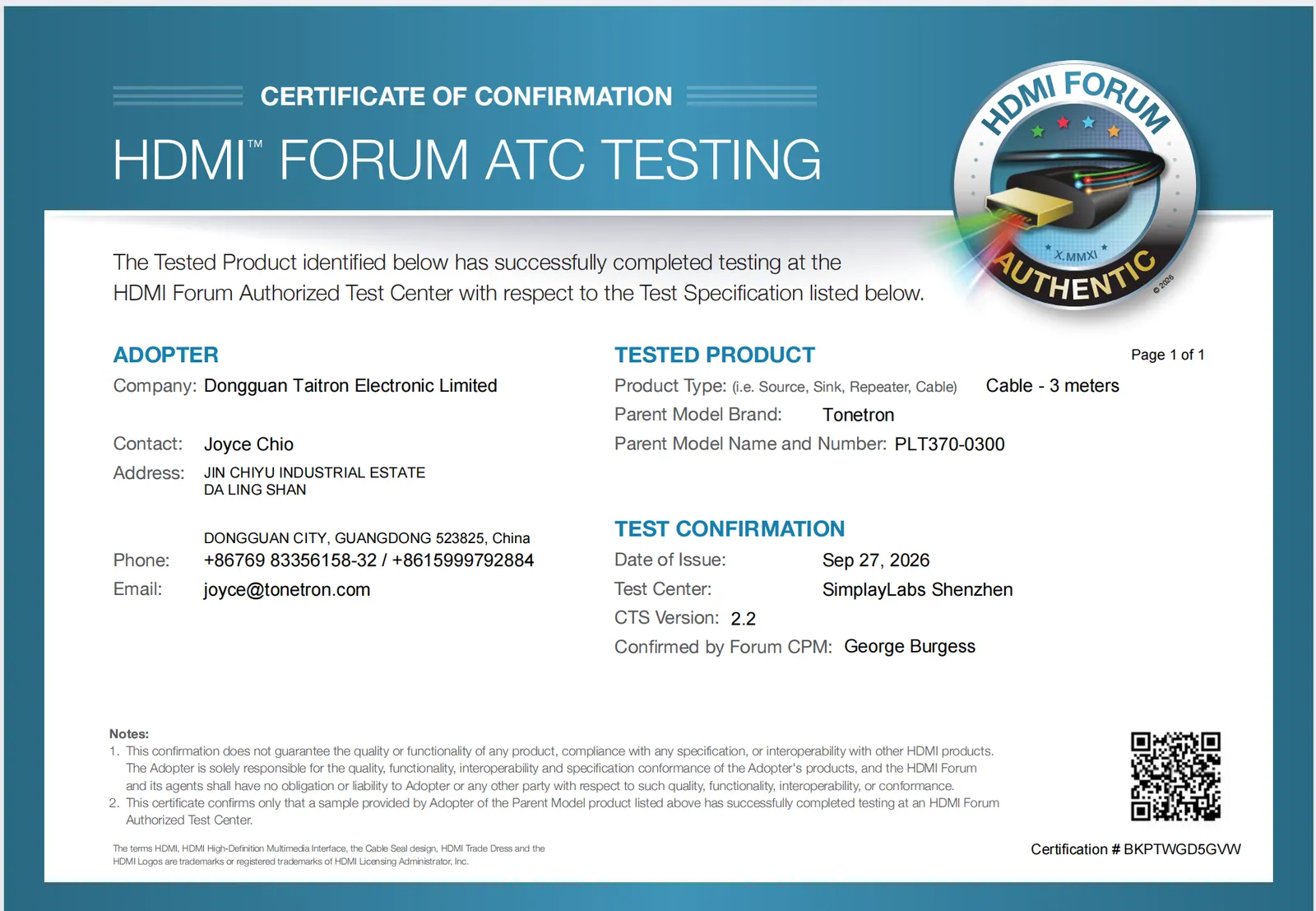
At Tonetron, we publish our USB4 certificate (TID 6801) on our website so you can check it yourself. We also publish our HDMI ATC test certificates and our Ultra96 HDMI™ cable testing status. We don’t hide anything.
FAQ
How do I read the E-Marker on a USB-C cable without buying a tester?
You need hardware that speaks USB Power Delivery to the cable: a USB-C cable tester with E-Marker readout, or a PD analyser. Laptop device lists (Windows, macOS, Linux) enumerate devices, not passive cables, so they will not show the E-Marker. If you cannot test it yourself, ask the supplier for a screenshot of the E-Marker readout for the exact sample and compare it with the TID certificate.
What if the supplier’s TID is not in the USB-IF public search?
Ask for the original certificate. If the certificate shows the correct test lab, date, and company name, the cable is certified—the TID can drop out of the public list when the supplier’s membership expires — that is what happened to ours. Always verify the certificate, not just the public search.
Can a cable be USB4 40Gbps without USB-IF certification?
Technically, yes—a cable can meet the electrical specs without certification. But without certification, you have no independent proof. Serious suppliers certify their USB4 cables because buyers demand proof — model PF587A-0080 passed USB-IF certification testing (TID 6801; membership since lapsed). If a supplier refuses to provide a TID or certificate, treat the claim as unverified.
Related reading: USB4 40Gbps certified cable PF587A · HDMI™ certified factory does not exist.
Request an OEM/ODM quote
Tonetron is the export brand of Dongguan Taitron Electronic Limited (东莞台昶电子有限公司), a cable and connectivity manufacturer in Dongguan, Guangdong, China. We supply HDMI™, USB-C, DisplayPort and custom cables worldwide, with OEM/ODM and private-label programs.
- Email: sales@tonetron.com
- Phone: +86-0769-83356158
- Contact form: tonetron.com/contact
Tell us your target specification, quantity and destination market and our team will respond with a tailored quote. MOQ, sample, tooling and lead-time figures are project-specific — please contact us for a quote.