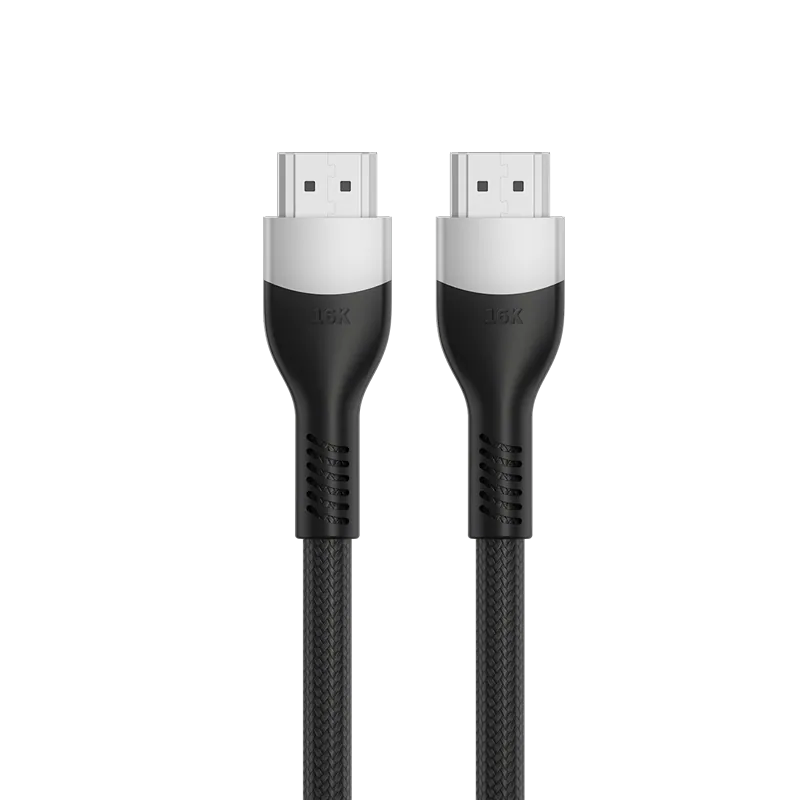
HDMI 2.1 defined 48Gbps and made 8K practical. HDMI 2.2, announced by the HDMI Forum at CES 2025, doubles that to 96Gbps and introduces a new cable category, Ultra96. The question that matters when sourcing is simpler than the version numbers suggest: how much bandwidth does the content actually need, and is the cable certified to carry it?
The two bandwidth tiers
| HDMI 2.1 | HDMI 2.2 | |
|---|---|---|
| Maximum bandwidth | 48Gbps | 96Gbps |
| Cable category | Ultra High Speed | Ultra96 |
| Signalling | FRL (Fixed Rate Link) | FRL, extended |
| Announced | 2017 | CES 2025 |
| Audio/video sync | eARC | eARC plus LIP (Latency Indication Protocol) |
What each resolution actually consumes
Bandwidth demand is driven by resolution × refresh rate × colour depth. Approximate uncompressed requirements:
| Format | Approx. bandwidth | Fits in |
|---|---|---|
| 4K @ 60Hz, 8-bit | ~12Gbps | HDMI 2.0 (18Gbps) |
| 4K @ 120Hz, 10-bit | ~32Gbps | HDMI 2.1 (48Gbps) |
| 8K @ 60Hz, 10-bit | ~48Gbps | HDMI 2.1, at the limit |
| 8K @ 120Hz | >48Gbps | HDMI 2.2, or DSC on 2.1 |
| 4K @ 480Hz / 8K @ 240Hz / 10K @ 120Hz | approaching 96Gbps | HDMI 2.2 |
Two practical points follow. First, most installations do not need 96Gbps today — displays that can consume it are rare. Second, Display Stream Compression (DSC) lets HDMI 2.1 carry formats that exceed 48Gbps uncompressed, so "needs HDMI 2.2" is often really "needs HDMI 2.2 or DSC".
What changes at the cable
Higher FRL rates mean tighter insertion-loss and skew budgets. In manufacturing terms that translates into conductor consistency, dielectric uniformity, shielding coverage and connector termination repeatability along the entire length. A cable that passes at 48Gbps can fail at 96Gbps for reasons invisible from the outside.
This is why the HDMI Forum operates a certification programme with an anti-counterfeit label rather than relying on printed claims. For Ultra High Speed and Ultra96 cables, certification is done at an Authorized Testing Centre (ATC), and the packaging carries a scannable certification label.
How to check a cable is really certified
- Look for the certification label on the packaging and scan it. Ultra High Speed and Ultra96 cables carry a holographic anti-counterfeit label with a QR code.
- Ask which ATC tested it and ask for the test report. A manufacturer with ATC-qualified products can produce this.
- Check the category name, not the version number. Cables are certified as "Ultra High Speed" or "Ultra96". A cable advertised as an "HDMI 2.1 cable" without a category name is being described loosely — HDMI licensing rules discourage version numbers on cables precisely because they mislead.
- Verify the organisation at hdmi.org.
Where our own cables sit
- HDMI A 8K Certified Cable — PF331A — 48Gbps, 8K, ATC-certified, available in 1.5 m / 1.8 m / 3.0 m / 5.0 m
- HDMI A 16K 96Gbps Cable — PF442A — built for the 96Gbps bandwidth tier
Ask us for the specification sheet
Tonetron is the export brand of Dongguan Taitron Electronic Limited (东莞台昶电子有限公司), a cable and connector manufacturer in Dongguan, Guangdong, China, established in 1984. We build HDMI, USB-C, DisplayPort and custom cables on our own lines and ship factory-direct to more than 40 countries.
- Email: sales@tonetron.com
- Phone: +86-0769-83356158
- Contact form: tonetron.com/contact
Tell us the target specification, quantity and destination market and we will send the matching datasheet and a quote. MOQ, tooling and lead-time figures are project-specific.